Learn Python Operators with Examples
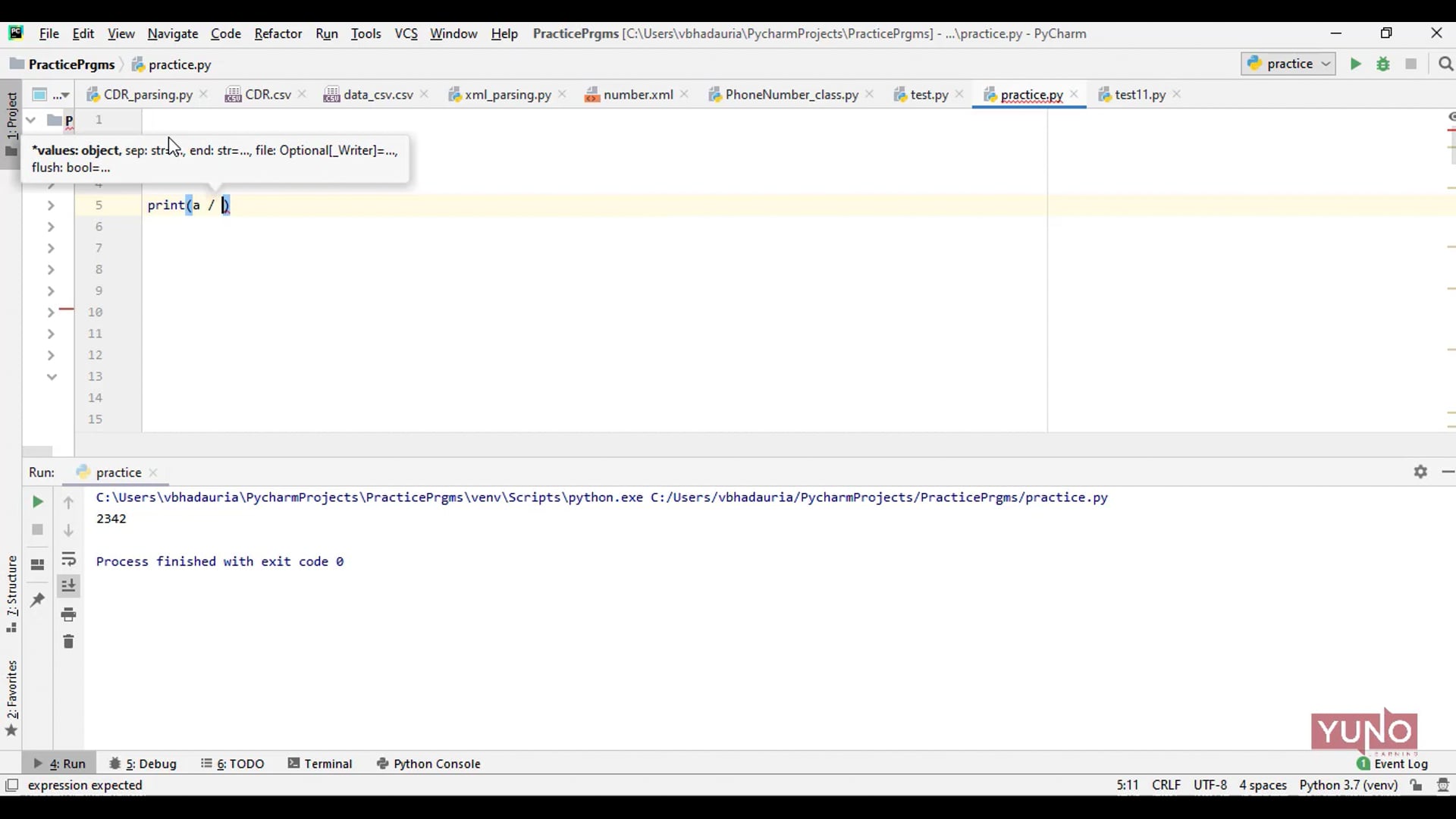
Operators are used to perform operations on variables and values. These are standard symbols used for logical and arithmetic operations.
78 float --> 4.7 bool --> True/False string --> \"Apple\" --> Example Print the data type of the variable x: x = 5 print(type(x)) In Python, numeric data type represent the data which has numeric value. Numeric value can be integer, floating number or even complex numbers. These values are defined as int and float class in Python. Integers: This value is represented by int class. It contains positive or negative whole numbers (without fraction or decimal). In Python there is no limit to how long an integer value can be. Float: This value is represented by float class. It is a real number with floating point representation. String: In Python, Strings are arrays of bytes representing Unicode characters. A string is a collection of one or more characters put in a single quote, double-quote or triple quote. Boolean: Data type with one of the two built-in values, True or False. Boolean objects that are equal to True are truthy (true), and those equal to False are falsy (false). ","contentUrl":"https://www.yunolearning.com/python-programming/videos/what-is-data-type/"},{"@type":"VideoObject","name":"Different types of Data Types in Python","thumbnailUrl":"https://i.vimeocdn.com/video/1393519391-299b52fe79ef362b4eaf4477d54e95dc013d68b131ca759dbe3ad57454e9f2a1-d_1920x1080?r=pad","uploadDate":"Mar 14, 2022 4:23 PM","description":"Following are the basic data types in Python. int --> 78 float --> 4.7 bool --> True/False string --> \"Apple\" --> Example Print the data type of the variable x: x = 5 print(type(x)) In Python, numeric data type represent the data which has numeric value. Numeric value can be integer, floating number or even complex numbers. These values are defined as int and float class in Python. Integers: This value is represented by int class. It contains positive or negative whole numbers (without fraction or decimal). In Python there is no limit to how long an integer value can be. Float: This value is represented by float class. It is a real number with floating point representation. String: In Python, Strings are arrays of bytes representing Unicode characters. A string is a collection of one or more characters put in a single quote, double-quote or triple quote. Boolean: Data type with one of the two built-in values, True or False. Boolean objects that are equal to True are truthy (true), and those equal to False are falsy (false). --> Example: x = \"Hello World\" --> str x = 20 --> int x = 20.5 --> float x = 20.0 --> float x = False --> bool","contentUrl":"https://www.yunolearning.com/python-programming/videos/different-types-of-data-types-in-python/"},{"@type":"VideoObject","name":"Intro to Output Statements in Python","thumbnailUrl":"https://i.vimeocdn.com/video/1386995219-8277b1093fffc9e9662cf249511accdd9e305e443daf21af5825e721abb4b7d9-d_1920x1080?r=pad","uploadDate":"Mar 3, 2022 9:27 PM","description":"The python output() is used to print the output for the end-user by taking the input from the keyboard. The only possibility to print the output is by using the print() statement. While printing the string arguments, we can use the escape characters like newline command( n), tab command (t) in between arguments. Next, a print statement with any number of arguments is acceptable, in the following example I am going to pass four arguments with comma separation, accepting a variable number of arguments is one of the beautiful features of the print() statement. For example:a = 10 print(\"The value is : \", a)","contentUrl":"https://www.yunolearning.com/python-programming/videos/intro-to-output-statement-in-python/"},{"@type":"VideoObject","name":"Python: Comparison with other Programming Languages","thumbnailUrl":"https://i.vimeocdn.com/video/1374082052-9a23a97519d8b0ddc45da9d67079d6aa931cf0058f01b1aa6a936349fa2017a1-d_1920x1080?r=pad","uploadDate":"Feb 16, 2022 9:27 AM","description":"Comparisons with other Programming languages:1) Run time: Python program runs slower than Java, whereas Java program runs faster than python. 2) Program development time: Takes less time than Java, whereas takes more time for developing the same program. 3) Length of the code: Python code is 3-5 times shorter than Java code, whereas Java code is longer than Python. 4) Type: Python is dynamically typed, whereas Java is not dynamically typed.","contentUrl":"https://www.yunolearning.com/python-programming/videos/python-comparison-with-other-programming-languages/"},{"@type":"VideoObject","name":"Advantages of Python","thumbnailUrl":"https://i.vimeocdn.com/video/1374081585-cea8f7068a9755ee0185eb80e613db5b6966c97ec8d5b4e13fe516129de55178-d_1920x1080?r=pad","uploadDate":"Feb 16, 2022 9:22 AM","description":" Advantages of Python: 1) Third-party modules: There are many advance modules available in Python including Pandas for data analysis. 2) Open source: Python is Open source programming language. Python is developed under an OSI-approved open source license, making it freely usable and distributable, even for commercial use. 3) Easy to read, learn, write: Easy to understand easily, as it's simplest to write. 4) User-friendly: Because it is dynamically typed, it's very easy to use any type of variable, and hence user friendly. 5) High Level Language: Easily understand by Human Beings. 6) OOPs (Object Oriented Concept): We can use the concept of Objects. 7) Ideal for Prototypes: Because of many advantages like Dynamically typed and shorter code, it is easy to create the prototypes. 8) Highly Efficient (memory concept): In memory management, Python is better than any object oriented programming.","contentUrl":"https://www.yunolearning.com/python-programming/videos/advantages-of-python/"},{"@type":"VideoObject","name":"Introduction to Python","thumbnailUrl":"https://i.vimeocdn.com/video/1369364472-3ee73d4add41cbb70d57b79caa2a13c219d69f77b62991d257802fc4d3b90c23-d_1920x1080?r=pad","uploadDate":"Feb 10, 2022 10:48 AM","description":"Python is a popular programming language. It was created by Guido van Rossum, and released in 1991. It is used for: -- web development (server-side), -- software development, -- mathematics, -- system scripting. What can Python do? -- Python can be used on a server to create web applications. -- Python can be used alongside software to create workflows. -- Python can connect to database systems. It can also read and modify files. -- Python can be used to handle big data and perform complex mathematics. -- Python can be used for rapid prototyping, or for production-ready software development. Why Python? -- Python works on different platforms (Windows, Mac, Linux, Raspberry Pi, etc.)-- Python has a simple syntax similar to the English language. -- Python has syntax that allows developers to write programs with fewer lines than some other programming languages.","contentUrl":"https://www.yunolearning.com/python-programming/videos/introduction-to-python/"},{"@type":"VideoObject","name":"Inheritance in Python","thumbnailUrl":"https://i.vimeocdn.com/video/1336076097-1cea7a057e43ed443edf350ce9c9acbf60990636d935fca74acfc4ca41f789eb-d_1920x1080?r=pad","uploadDate":"Dec 29, 2021 6:25 PM","description":"Inheritance is an important aspect of the object-oriented paradigm. Inheritance provides code reusability to the program because we can use an existing class to create a new class instead of creating it from scratch. In inheritance, the child class acquires the properties and can access all the data members and functions defined in the parent class. A child class can also provide its specific implementation to the functions of the parent class. In this section of the tutorial, we will discuss inheritance in detail. In python, a derived class can inherit base class by just mentioning the base in the bracket after the derived class name. Consider the following syntax to inherit a base class into the derived class. Syntax: class derived-class(base class): A class can inherit multiple classes by mentioning all of them inside the bracket. Consider the following syntax. Types of Inheritance: 1) Single Inheritance 2) Multiple Inheritance 3) Hierarchical Inheritance 4) Multi-Level Inheritance 5) Hybrid Inheritance Example: (Example taken for Hierarchical Inheritance). # Hierarchical Inheritance class A: def __init__(self, a1, b1): self.a = a1 self.b = b1 class B(A): def addition(self): sm = self.a + self.b print(\"Addition is = \", sm) class C(A): def multiplication(self): mul = self.a * self.b print(\"Multiplication is = \", mul) objb = B(10, 2) objb.addition() objc = C(20, 3) objc.multiplication() ","contentUrl":"https://www.yunolearning.com/python-programming/videos/inheritance-in-python/"},{"@type":"VideoObject","name":"Data Members and Member functions in Python","thumbnailUrl":"https://i.vimeocdn.com/video/1329293486-73febcb56cde932f7ef89d83193d430678f88e3adf4a4d8f6c6f0809b12fba66-d_1920x1080?r=pad","uploadDate":"Dec 28, 2021 3:57 PM","description":"Class is a user-defined data structure, which has its own data members and member functions. These members and functions can be accessed and used by creating an instance of that class. Almost everything in Python is an object, with its properties and methods. A Class is like an object constructor, or a \"blueprint\" for creating objects. Create a Class To create a class, use the keyword class: For example, create a class named MyClass, with a property named x: class MyClass: x = 5 Create Object Now we can use the class named MyClass to create objects: For example, create an object named p1, and print the value of x: p1 = MyClass() print(p1.x) The __init__() Function (Constructor) The examples above are classes and objects in their simplest form, and are not really useful in real life applications. To understand the meaning of classes we have to understand the built-in __init__() function. All classes have a function called __init__(), which is always executed when the class is being initiated. For example, create a class named Person, use the __init__() function to assign values for name and age: class Person: def __init__(self, name, age): self.name = name self.age = age p1 = Person(\"John\", 36) print(p1.name) print(p1.age)","contentUrl":"https://www.yunolearning.com/python-programming/videos/data-members-and-member-functions-in-python/"},{"@type":"VideoObject","name":"Getter and Setter in Python","thumbnailUrl":"https://i.vimeocdn.com/video/1329293661-baf213af8f8803aeea204554cffb782f2d35b07779d7c7eae8023944631d322d-d_1920x1080?r=pad","uploadDate":"Dec 28, 2021 3:45 PM","description":"Python is an object oriented programming language. Almost everything in Python is an object, with its properties and methods. A Class is like an object constructor, or a \"blueprint\" for creating objects. --> Create a Class To create a class, use the keyword class: For example: Create a class named MyClass, with a property named x: class MyClass: x = 5 --> Create Object Now we can use the class named MyClass to create objects: For example: Create an object named p1, and print the value of x: p1 = MyClass() print(p1.x) In order to achieve data encapsulation, most object oriented languages use getters and setters method. The Getter is a method that is used to access the private attributes of a class. The setter is a method that is used to set or change the values of private attributes. Watch the video to understand these concepts better with the help of examples.","contentUrl":"https://www.yunolearning.com/python-programming/videos/getter-and-setter-in-python/"},{"@type":"VideoObject","name":"Classes and Objects in Python","thumbnailUrl":"https://i.vimeocdn.com/video/1312837954-102289aa351bdbc9e1bd462a691cf177c2c1bba4554990e2e_1920x1080?r=pad","uploadDate":"Dec 15, 2021 8:57 AM","description":"Python Classes/Objects Python is an object oriented programming language. Almost everything in Python is an object, with its properties and methods. A Class is like an object constructor, or a \"blueprint\" for creating objects. --> Create a Class To create a class, use the keyword class: Example Create a class named MyClass, with a property named x: class MyClass: x = 5 --> Create Object Now we can use the class named MyClass to create objects: Example Create an object named p1, and print the value of x: p1 = MyClass() print(p1.x) --> The __init__() Function (Constructor) The examples above are classes and objects in their simplest form, and are not really useful in real life applications. To understand the meaning of classes we have to understand the built-in __init__() function. All classes have a function called __init__(), which is always executed when the class is being initiated. Example Create a class named Person, use the __init__() function to assign values for name and age: class Person: def __init__(self, name, age): self.name = name self.age = age p1 = Person(\"John\", 36) print(p1.name) print(p1.age)","contentUrl":"https://www.yunolearning.com/python-programming/videos/classes-and-objects-in-python/"},{"@type":"VideoObject","name":"Python: File Handling","thumbnailUrl":"https://i.vimeocdn.com/video/1307625940-3608ad0cb699a3d23cf78d723bea5a4565df4378b8a217d33_1920x1080?r=pad","uploadDate":"Nov 28, 2021 10:35 PM","description":"Python too supports file handling and allows users to handle files i.e., to read and write files, along with many other file handling options, to operate on files. \nThe concept of file handling has stretched over various other languages, but the implementation is either complicated or lengthy, but like other concepts of Python, this concept here is also easy and short. Python treats file differently as text or binary and this is important. \nEach line of code includes a sequence of characters and they form text file. Each line of a file is terminated with a special character, called the EOL or End of Line characters like comma {,} or newline character. It ends the current line and tells the interpreter a new one has begun.\n\n--> Open() function.\nBefore performing any operation on the file like read or write, first we have to open that file. For this, we should use Python’s inbuilt function open().\n\nSyntax:\nf = open(filename, mode)\n\n--> Where the following mode is supported:\n\n\t1) r: open an existing file for a read operation.\n\t1) w: open an existing file for a write operation. If the file already contains some data then it will be overridden. \n\t3) a: open an existing file for append operation. It won’t override existing data.\n\n--> Working of read() mode:\nThere is more than one way to read a file in Python. If you need to extract a string that contains all characters in the file then we can use file.read(). \n\nExample:\nfile = open(\"\"file.text\"\", \"\"r\"\")\n\n--> Creating a file using write() mode:\nTo write the contents to the file.\n\nExample:\nfile = open('geek.txt','w')\"","contentUrl":"https://www.yunolearning.com/python-programming/videos/python-file-handling/"},{"@type":"VideoObject","name":"Python: What is Recursion?","thumbnailUrl":"https://i.vimeocdn.com/video/1300002774-e6154bb157b1c2694e88f7bd56a833117daaf167df2fdfbb7_1920x1080?r=pad","uploadDate":"Nov 15, 2021 12:46 PM","description":"\nRecursion is a common mathematical and programming concept. Python also accepts function recursion, which means a defined function can call itself. We know that a function can call other functions but It is even possible for the function to call itself. This is what Recursion is!\nIt means that a function calls itself. This has the benefit of meaning that you can loop through data to reach a result.\nThe developer should be very careful with recursion as it can be quite easy to slip into writing a function which never terminates, or one that uses excess amounts of memory or processor power. \nTherefore, every function which is recursive in nature must have a base condition that stops the recursion or else the function calls itself infinitely.\nBy default, the maximum depth of recursion is 1000. If the limit is crossed, it results in RecursionError.\nWhen written correctly recursion can be a very efficient and mathematically-elegant approach to programming.\n\nEx:\ndef fact(no):\n if no == 1 or no == 0:\n return 1\n else:\n return no * fact(no-1)\n\n\nif __name__ == \"\"__main__\"\":\n a = 6\n ans = fact(a)\n print(\"\"Factorial of %d is = %d\"\" %(a, ans))\n","contentUrl":"https://www.yunolearning.com/python-programming/videos/python-what-is-recursion/"},{"@type":"VideoObject","name":"Functions in Python","thumbnailUrl":"https://i.vimeocdn.com/video/1281227257-292423ed3ea4f8198d1d9654b656c584f111e9ff41f2985a5_1920x1080?r=pad","uploadDate":"Oct 22, 2021 8:44 AM","description":"In this video you’ll learn about Python functions. \n--> What are Python Functions: \nA function is a block of code that performs a particular task and runs only when it is called. Functions help us to divide our code into smaller blocks or chunks. They make our code more structured and organized.\nYou can pass data, known as parameters, into a function. \nA function can return data as a result. \n\n--> Creating a Function: \nIn Python a function is defined using the def keyword. It marks the start of the function header. \n\nFor instance, \ndef my_function(): \nprint(\"Hello from a function\") \n\n--> Calling a Function: \nTo call a function, use the function name followed by parenthesis: \n\nFor instance, \ndef my_function(): \nprint(\"Hello from a function\") \n\nmy_function() \n\n--> Arguments: \nInformation can be passed into functions as arguments. \n\nArguments are specified after the function name, inside the parentheses. You can add as many arguments as you want, just separate them with a comma. \n\nThe following example has a function with one argument (fname). When the function is called, we pass along a first name, which is used inside the function to print the full name: \n\nFor instance, \ndef my_function(fname): \nprint(fname + \" Refsnes\") \n\nmy_function(\"Emil\") \nmy_function(\"Tobias\") \nmy_function(\"Linus\")\n","contentUrl":"https://www.yunolearning.com/python-programming/videos/functions-in-python/"},{"@type":"VideoObject","name":"Strings in Python","thumbnailUrl":"https://i.vimeocdn.com/video/1281227613-330c5a3924bc781c5f422e70865d4d2649423c0b567dc0dfe_1920x1080?r=pad","uploadDate":"Oct 22, 2021 8:26 AM","description":"--> Intro to Strings: \nString is a collection of characters. It is one of the primitive data structures. \nStrings in python are surrounded by either single quotation marks, or double quotation marks since Python treats single quotes the same as double quotes. Therefore, 'hello' is the same as \"hello\". \n\nAdditionally, Python strings are “immutable”, meaning, they cannot be changed after they are created. For instance, the expression ('hi' + 'world') takes in the 2 strings ‘hi’ and ‘world’ and builds a new string 'hiworld'.\nPython does not support a character type; these are treated as strings of length one, thus also considered a substring. Python has a built-in string class named \"str\". \n\nYou can display a string literal with the print() function. \n\nExample: \nprint(\"Hello\") \nprint('Hello') \n\n--> Assign String to a Variable: \nAssigning a string to a variable is done with the variable name followed by an equal sign and the string: \n\nExample \na = \"Hello\" \nprint(a) \n\n--> Strings are Arrays: \nLike many other popular programming languages, strings in Python are arrays of bytes represent Unicode characters. \n\nHowever, Python does not have a character data type, a single character is simply a string with a length of 1. \n\nSquare brackets can be used to access elements of the string.\n","contentUrl":"https://www.yunolearning.com/python-programming/videos/strings-in-python/"},{"@type":"VideoObject","name":"Python Operators","thumbnailUrl":"https://i.vimeocdn.com/video/1266978015-191db974f9e0b3074832986d4b2086d9a824b4344594def2a_1920x1080?r=pad","uploadDate":"Oct 6, 2021 11:14 PM","description":"What are Python Operators?\n \nOperators are used to perform operations on variables and values. These are standard symbols used for the purpose of logical and arithmetic operations. \n\nIn the example below, we use the + operator to add together two values: \n\nForExample: \nprint(10 + 5) \n\n\n--> Python divides the operators in the following groups: \n\n1) Arithmetic operators: Arithmetic operators are used to perform common mathematical operations such as addition, subtraction, multiplication, and division.\nThese operators are: +, -, *, /, // , % , ** \n\n2) Assignment operators: (short hand operators) : Assignment operators are used to assign values.\nThese operators are: +=, -=, /=, //=, %=, **= \n\n3) Comparison operators: Comparison operators are used to compare two values. It return True or False value. \nThese operators are: >, >=, <, <= ,!=, == \n\n4) Logical operators: Logical operators are used to combine conditional statements.\nThese operators are: and, or, not \n\n5) Identity operators: Identity operators are used to compare the objects, not if they are equal, but if they are actually the same object, with the same memory location.\nThese operators are: is,is not \n\n6) Membership operators: Membership operators are used to test if a sequence is presented in an object.\nThese operators are: in, not in\n7) Bitwise Operators: Bitwise operators are used to compare (binary) numbers.\nThese operators are: AND, OR, XOR, NOT etc. \n","contentUrl":"https://www.yunolearning.com/python-programming/videos/python-operators/"}]}
Operators are used to perform operations on variables and values. These are standard symbols used for logical and arithmetic operations.
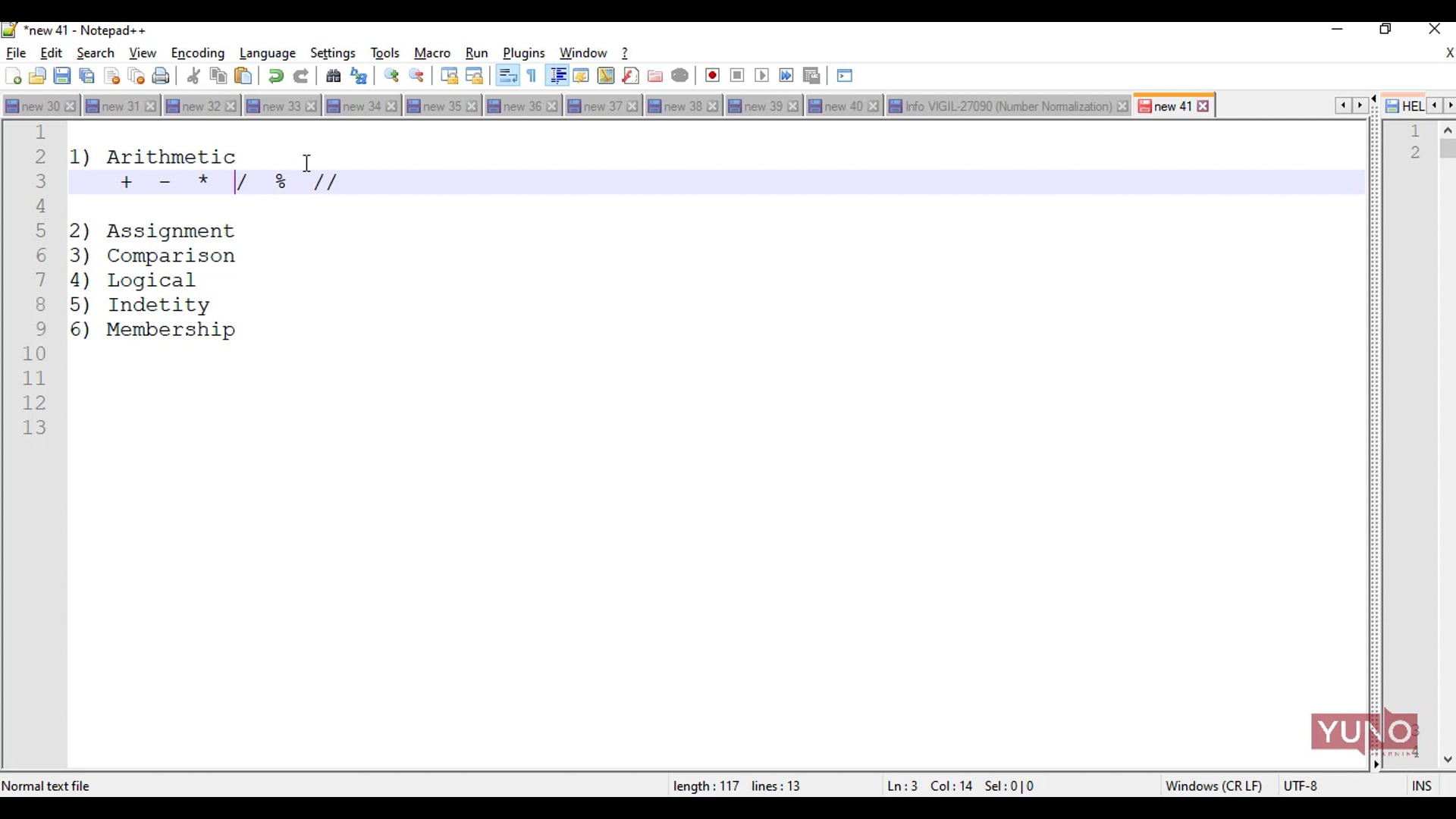
There are different types of Operators in Python such as Arithmetic Operators, Assignment Operators, Comparison Operators, Logical Operators etc.
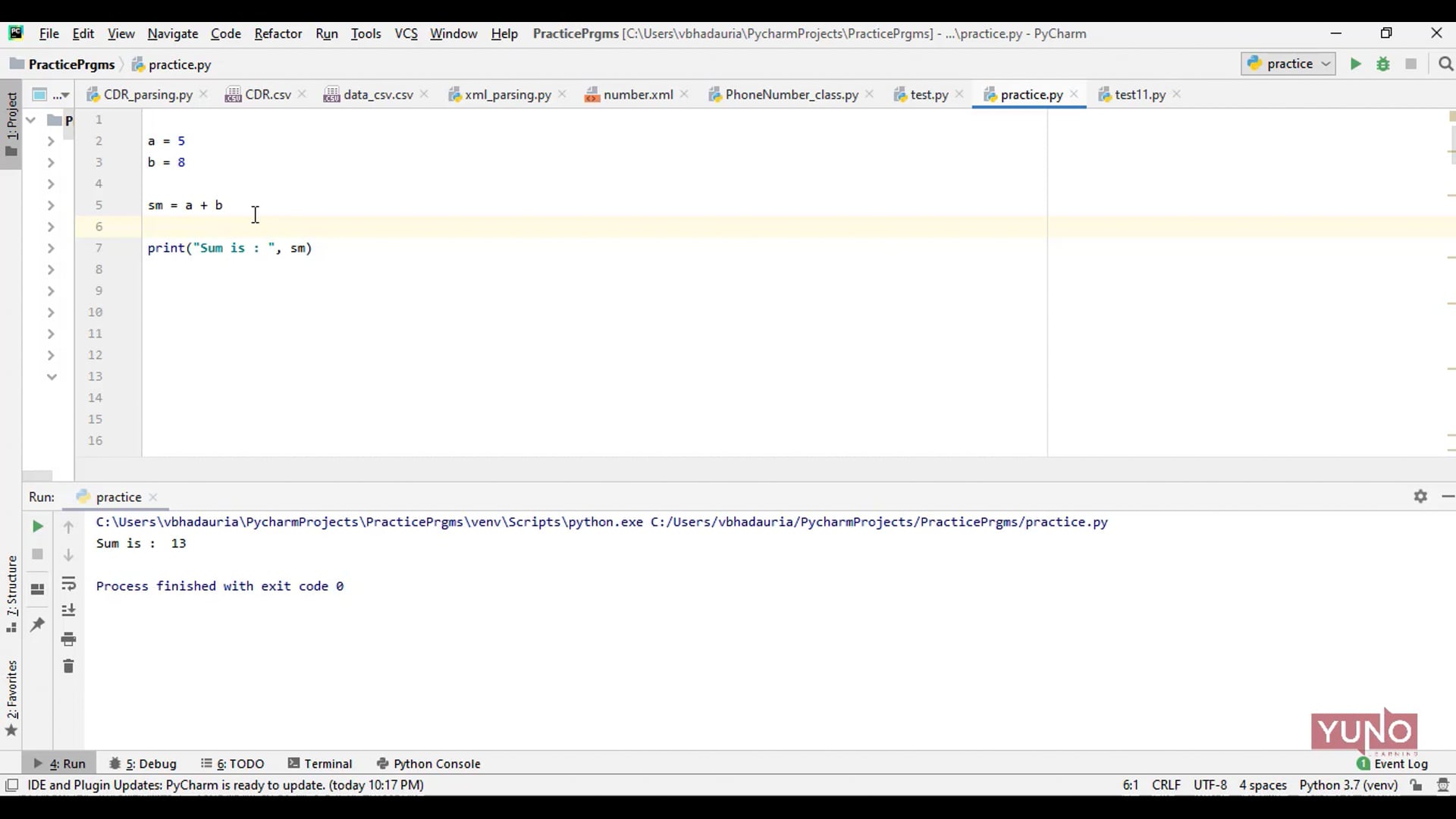
Operators are used to perform operations on variables and values. These are standard symbols used for logical and arithmetic operations.
The developer often wants a user to enter multiple values or inputs in one line. In Python user can take multiple values or inputs in one line by split() method.
In Python, we use input() function to take input from the user. Whatever you enter as input, the input function converts it into a string.
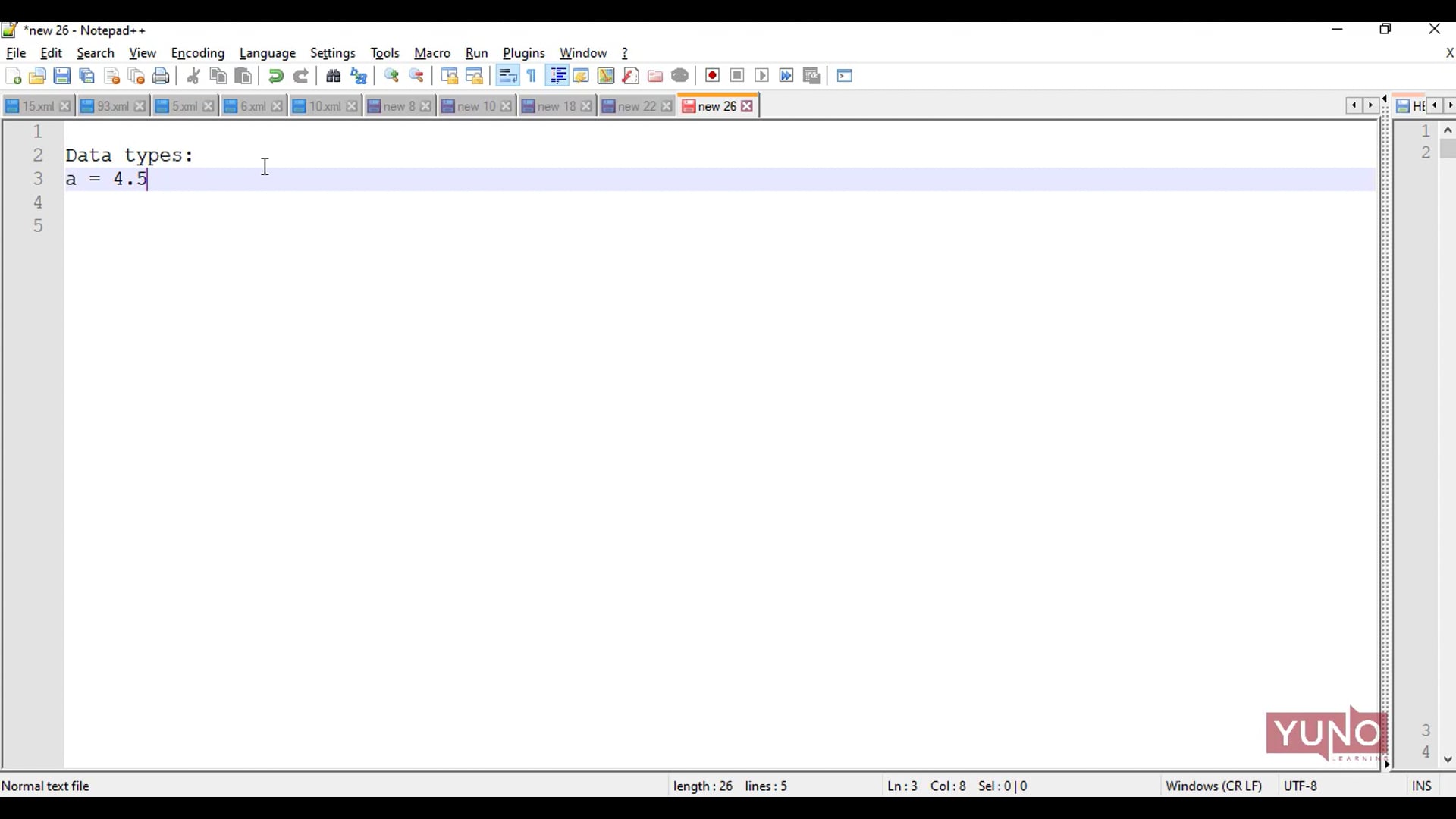
A data type represents the kind of value that tells what operations can be performed on a particular data.
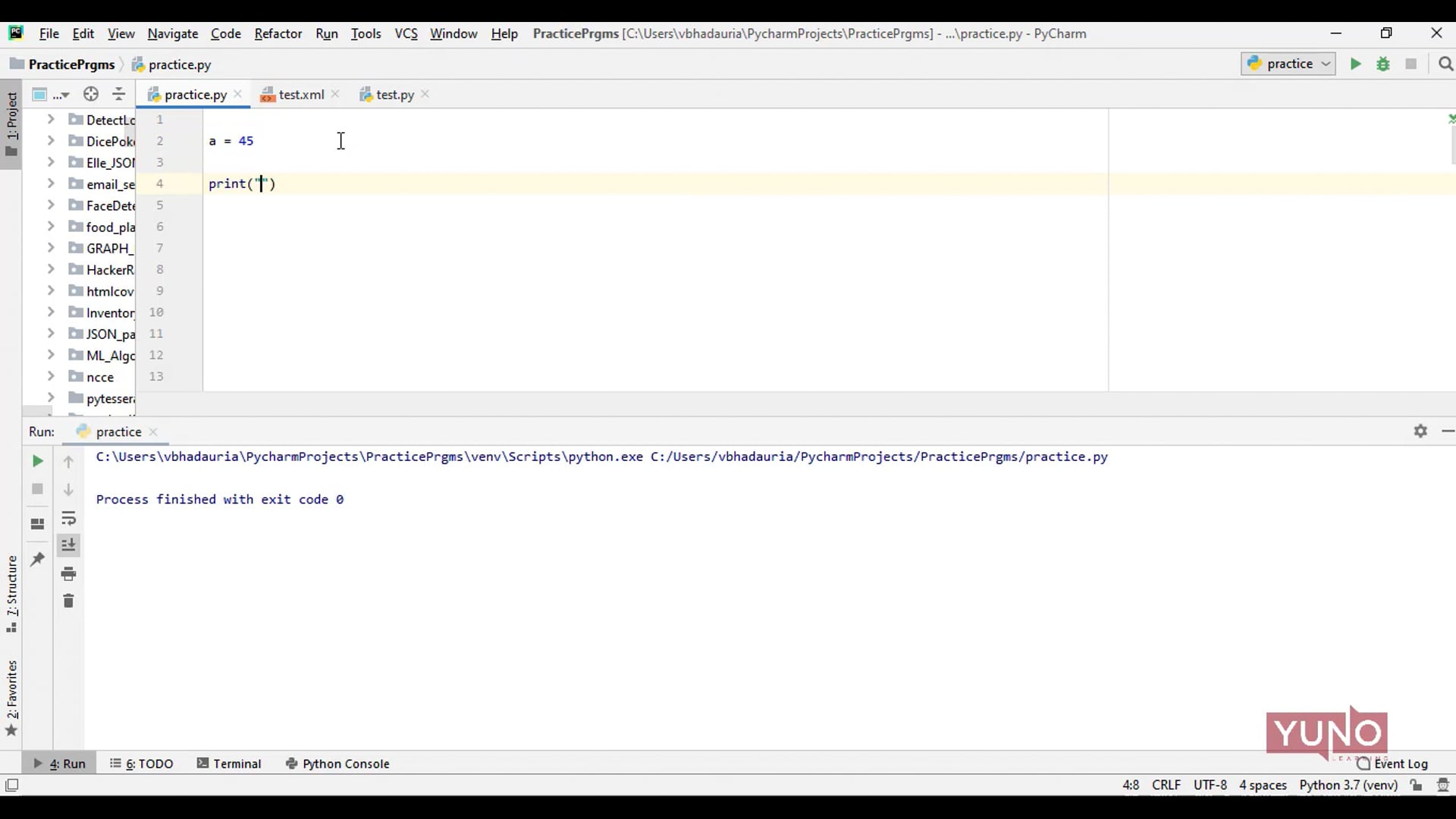
In Python, numeric data type represent the data which has numeric value. Numeric value can be integer, floating number or even complex numbers.
The python output() is used to print the output for the end-user by taking the input from the keyboard.
Python code is 3-5 times shorter than Java code, whereas Java code is longer than Python.
Python is developed under an OSI-approved open source license, making it freely usable and distributable, even for commercial use.
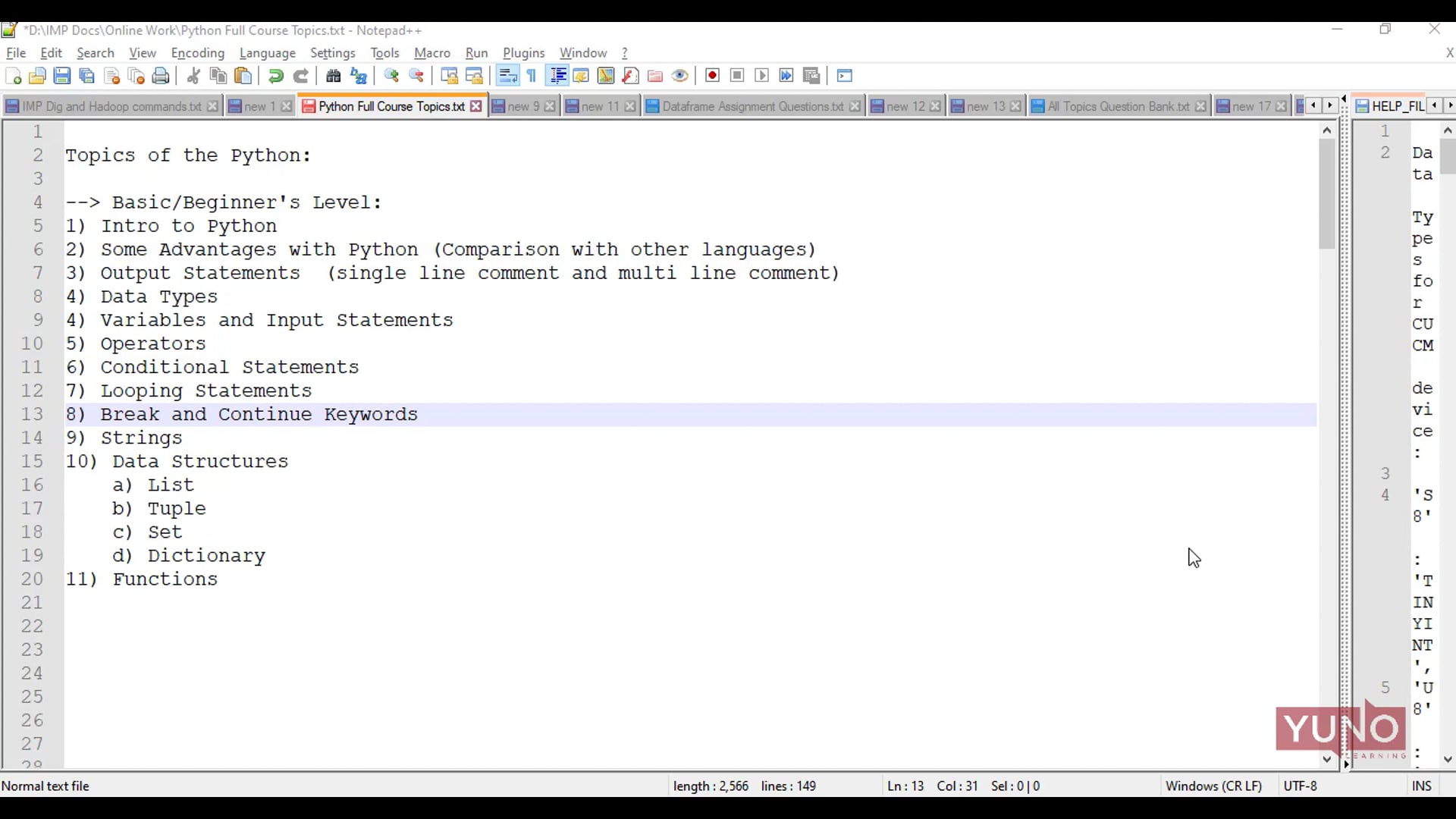
Python is a popular programming language. It was created by Guido van Rossum, and released in 1991.
In inheritance, the child class acquires the properties and can access all the data members and functions defined in the parent class.
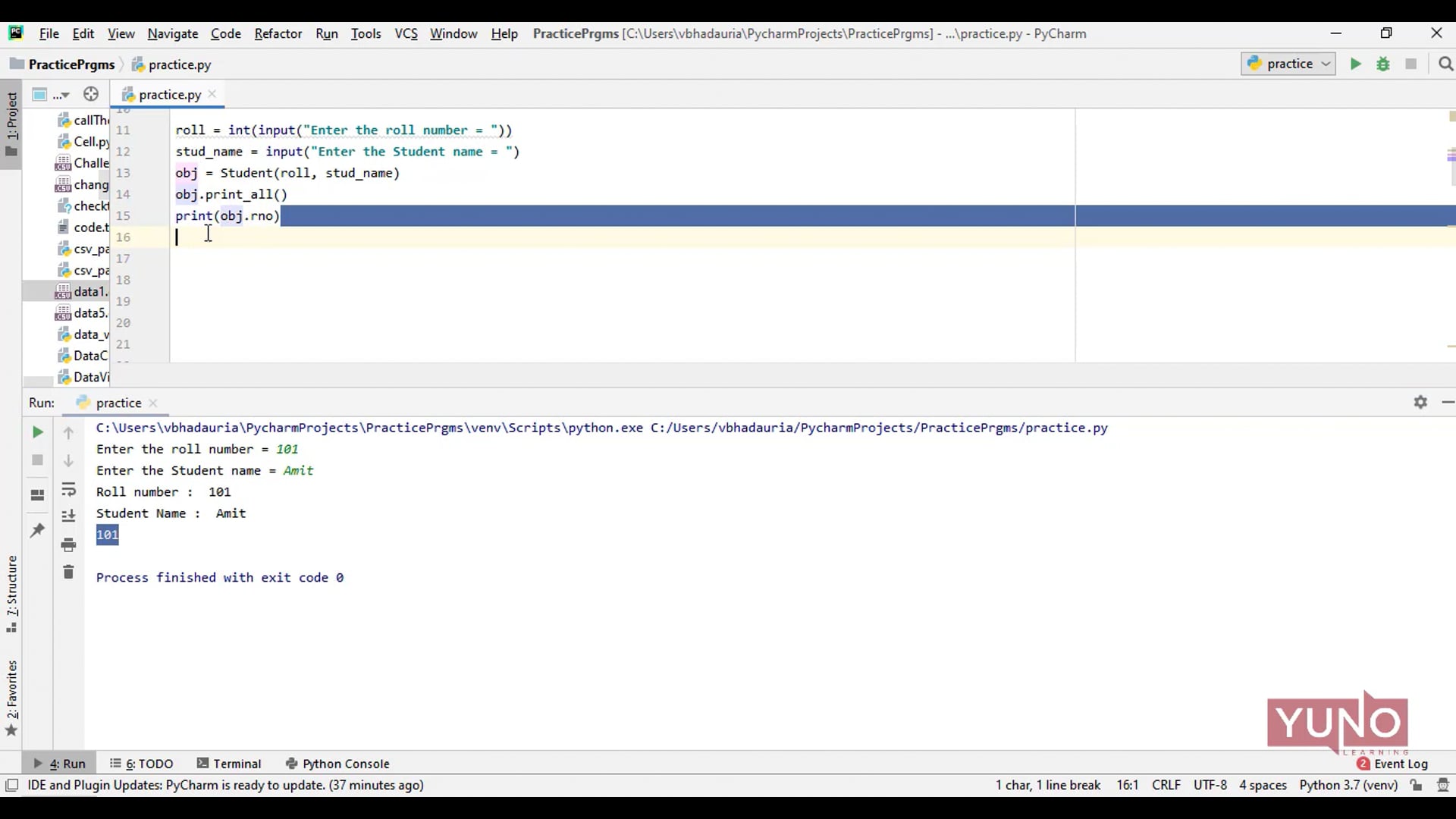
Python class is a user-defined data structure having its own data members and member functions.
Getter and Setter methods in Python language are used to retrieve and update data.
Python is an object oriented programming language. Almost everything in Python is an object, with its properties and methods.
Each line of a file is terminated with a special character, called the EOL or End of Line characters like comma {,} or newline character.
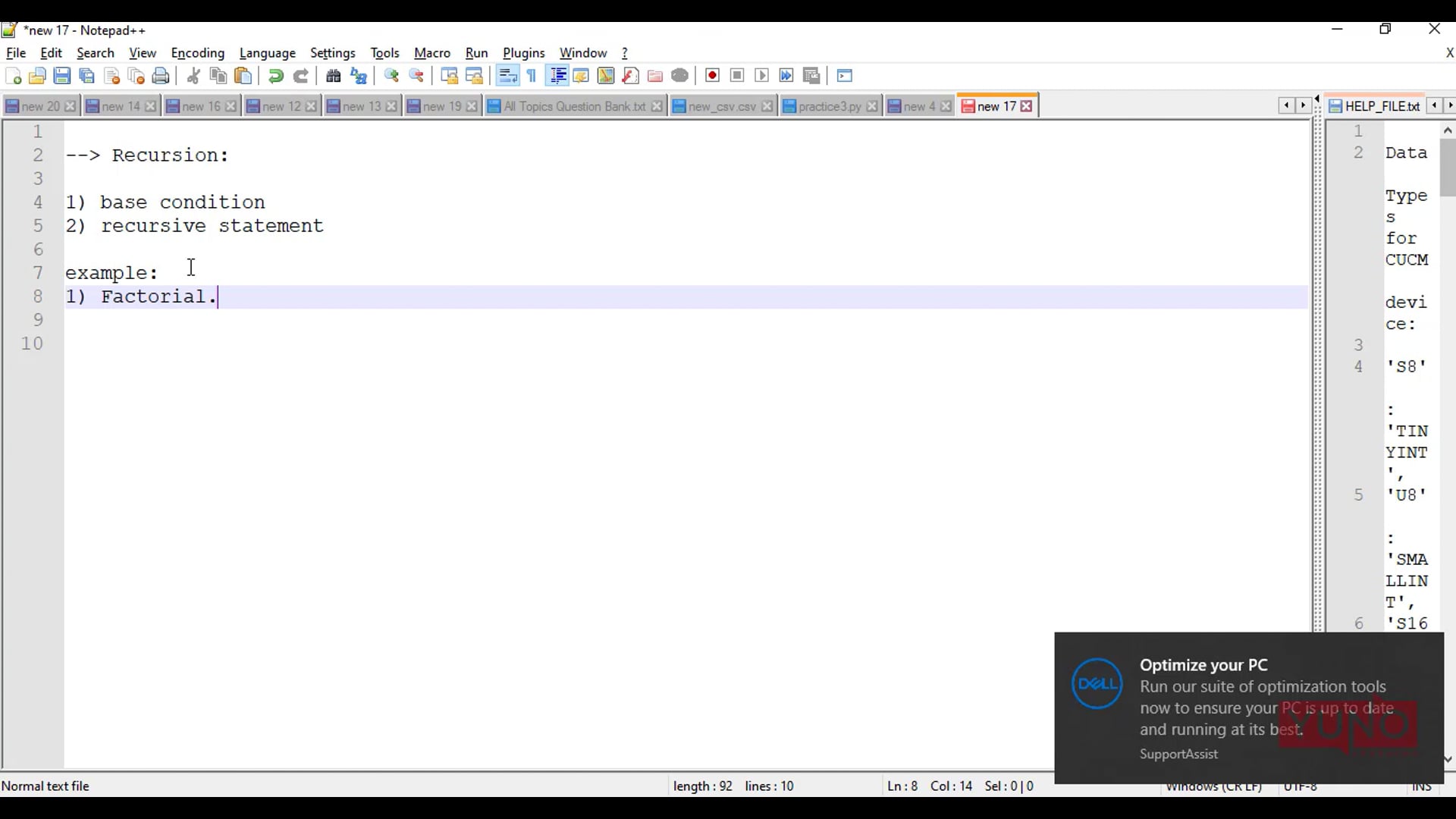
Recursion is a common concept in programming languages. Recursion is when a function calls itself.
A Python function is a block of code that performs a particular task and runs only when it is called. Functions help us to organize our code.
Python Strings, one of the primitive data structures, is a collection of characters. Python strings are immutable.
What are Python Operators? Operators are standard symbols which are used to perform operations on variables and values.