video
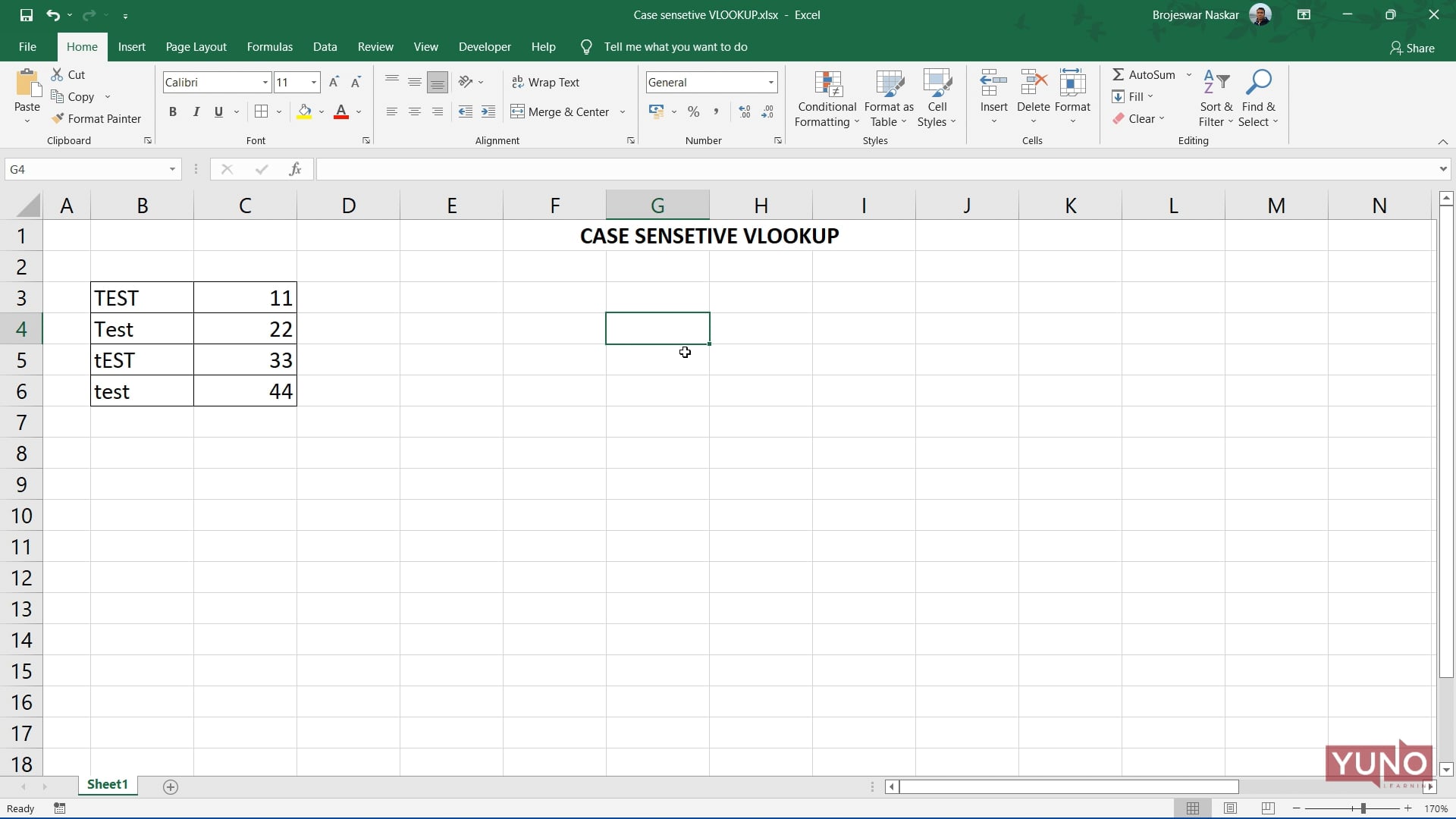
Excel: Case Sensitive VLOOK UP
In this Excel tutorial, we will be looking at an example where multiple formulas and functions are used to carry out the desired operations.
In this Excel tutorial, we will be looking at an example where multiple formulas and functions are used to carry out the desired operations.
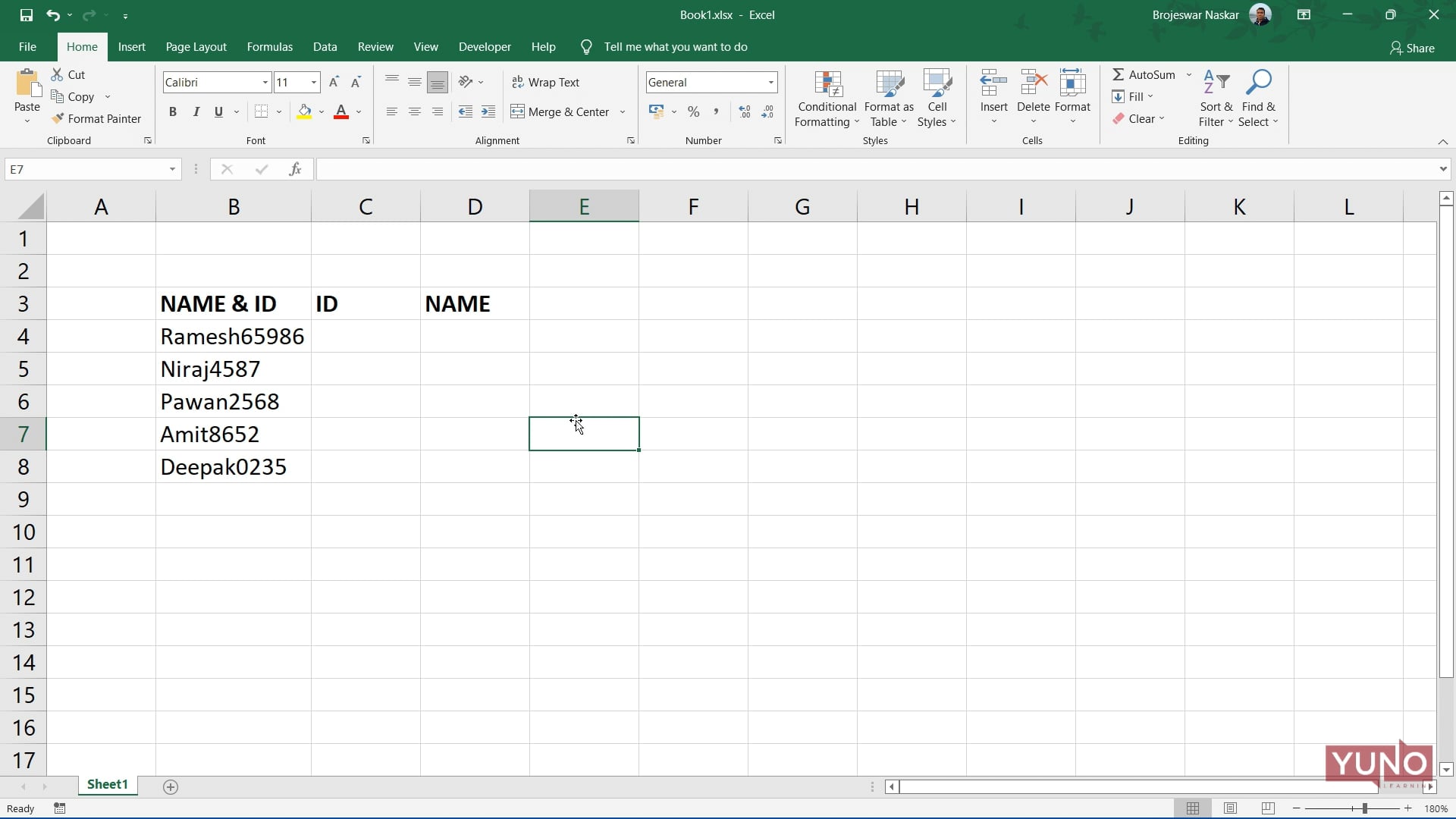
In this Excel tutorial, we will be looking at an example where multiple formulas and functions are used to carry out the desired operations.
In this Excel tutorial, we will be looking at an example where multiple formulas and functions are used to carry out the desired operations.
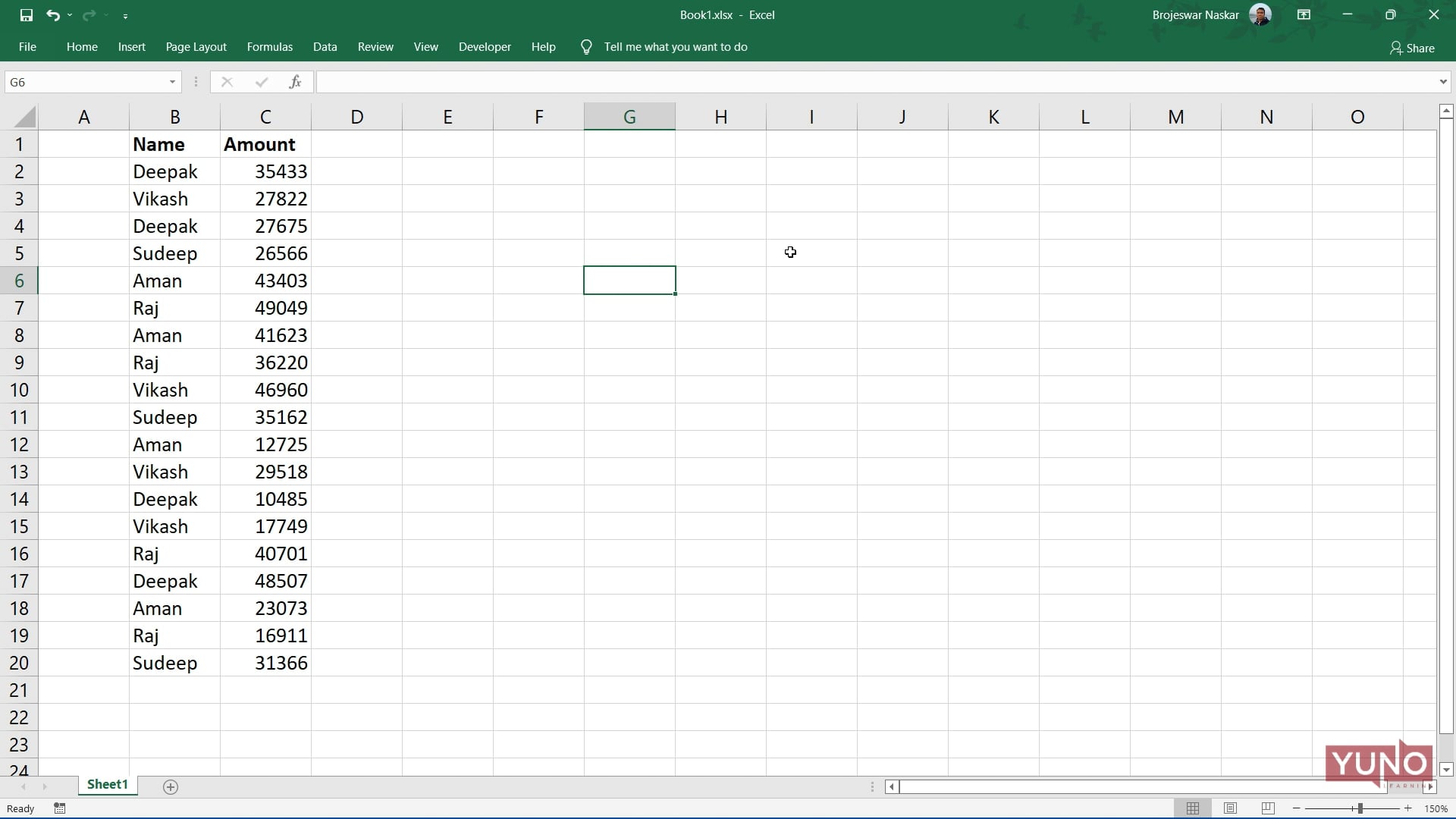
In this Excel tutorial, we will be looking at an example where multiple formulas and functions are used to carry out the desired operations.

In this Excel tutorial, we will be looking at an example where multiple formulas and functions are used to carry out the desired operations.
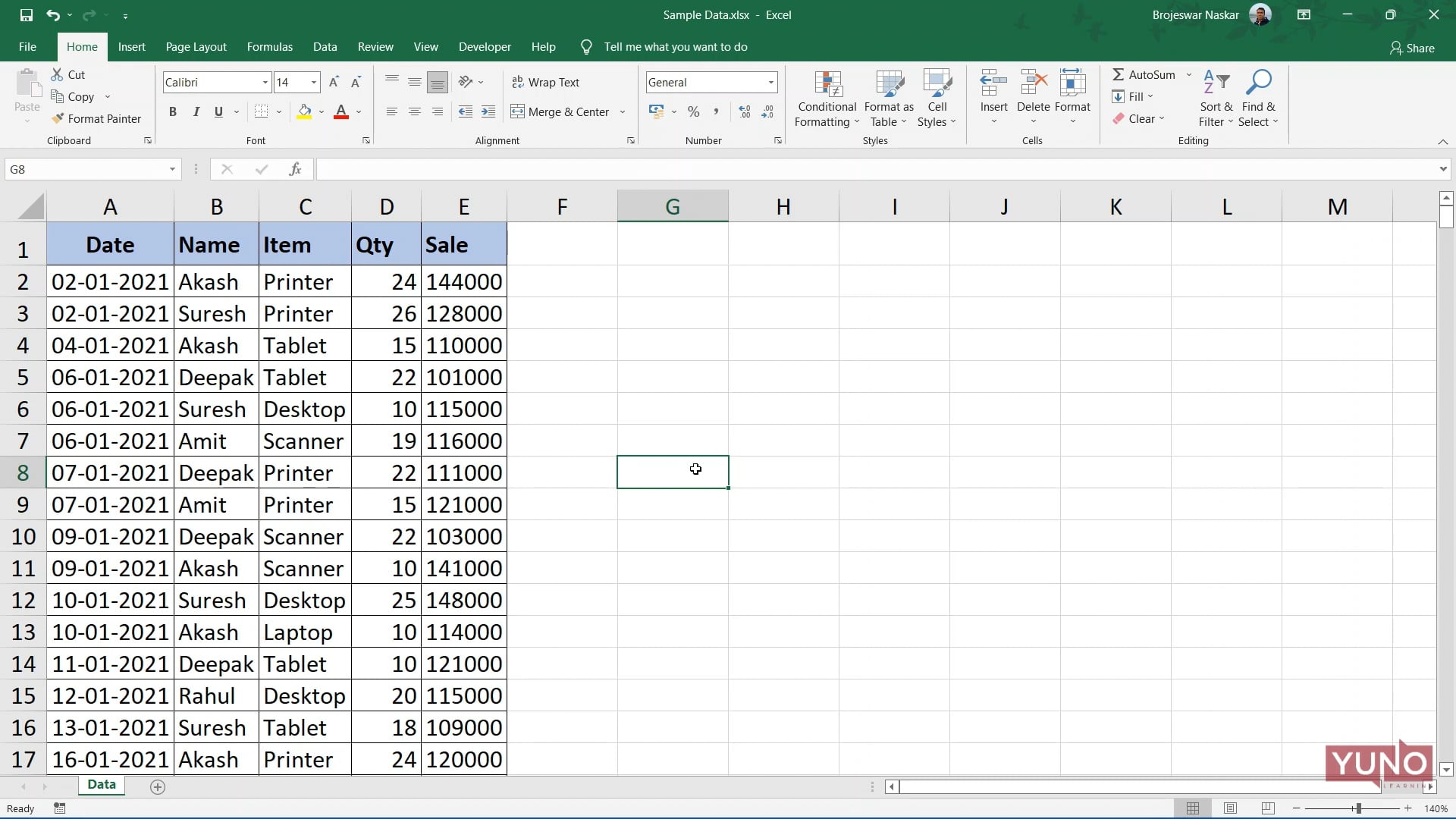
In this video tutorial, we are going to make a monthly report about the performance of sales persons.
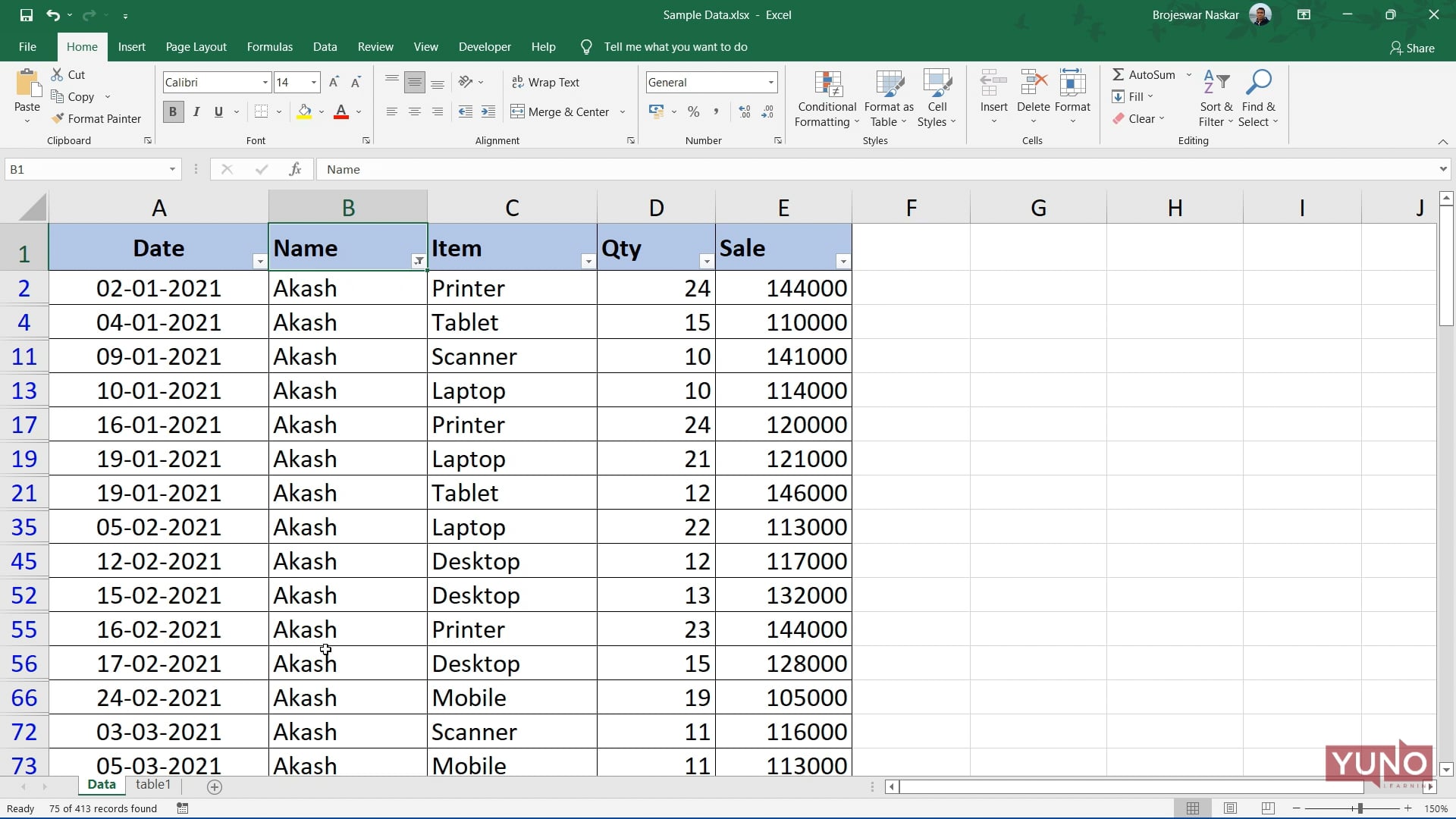
In this video tutorial, we are going to make a Dashboard with the help of Pivot Table. This is last part of a three part tutorial on this topic.
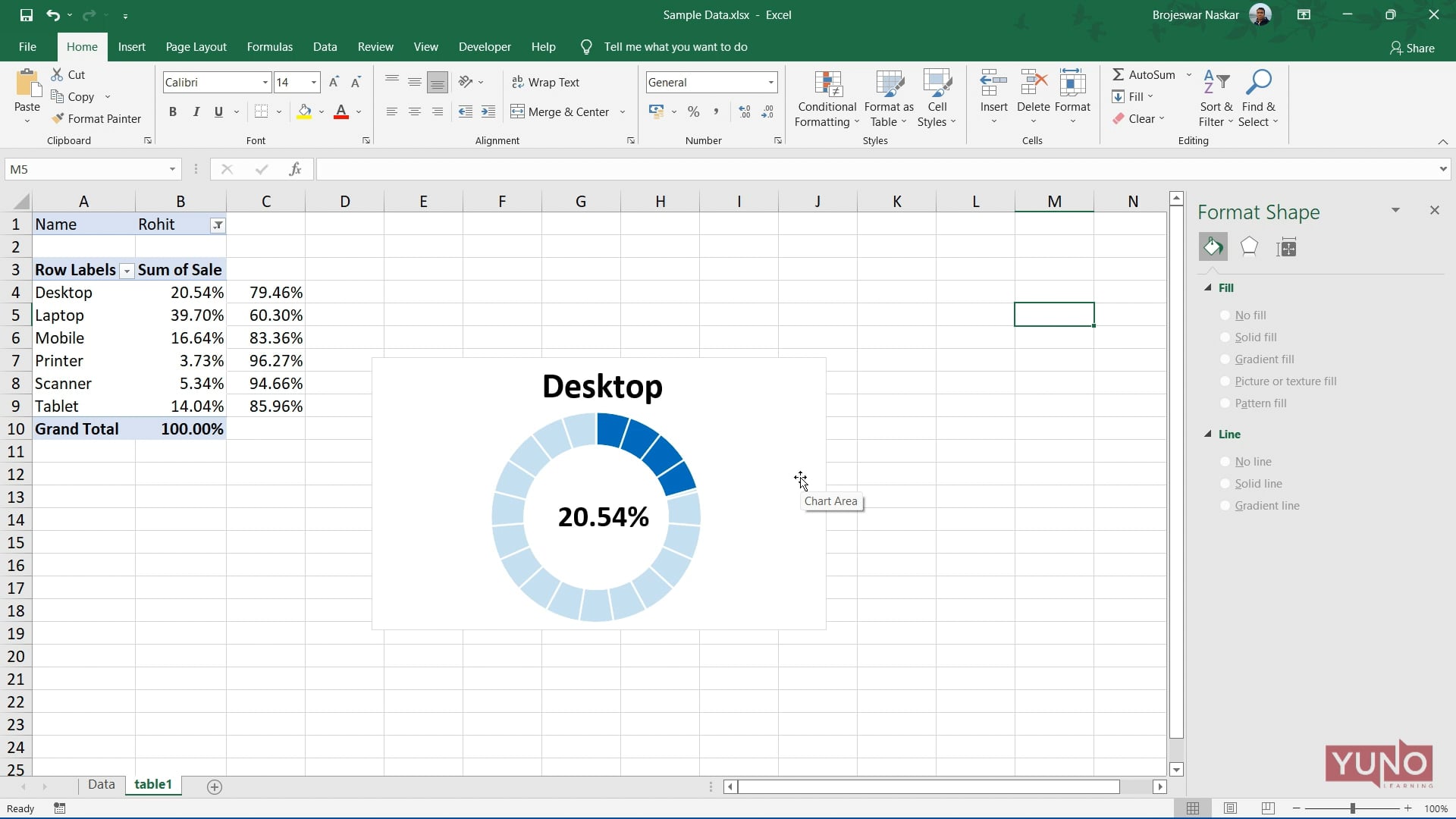
In this video tutorial, we are going to make a Dashboard with the help of Pivot Table. This is part two of the three part tutorial on this topic.
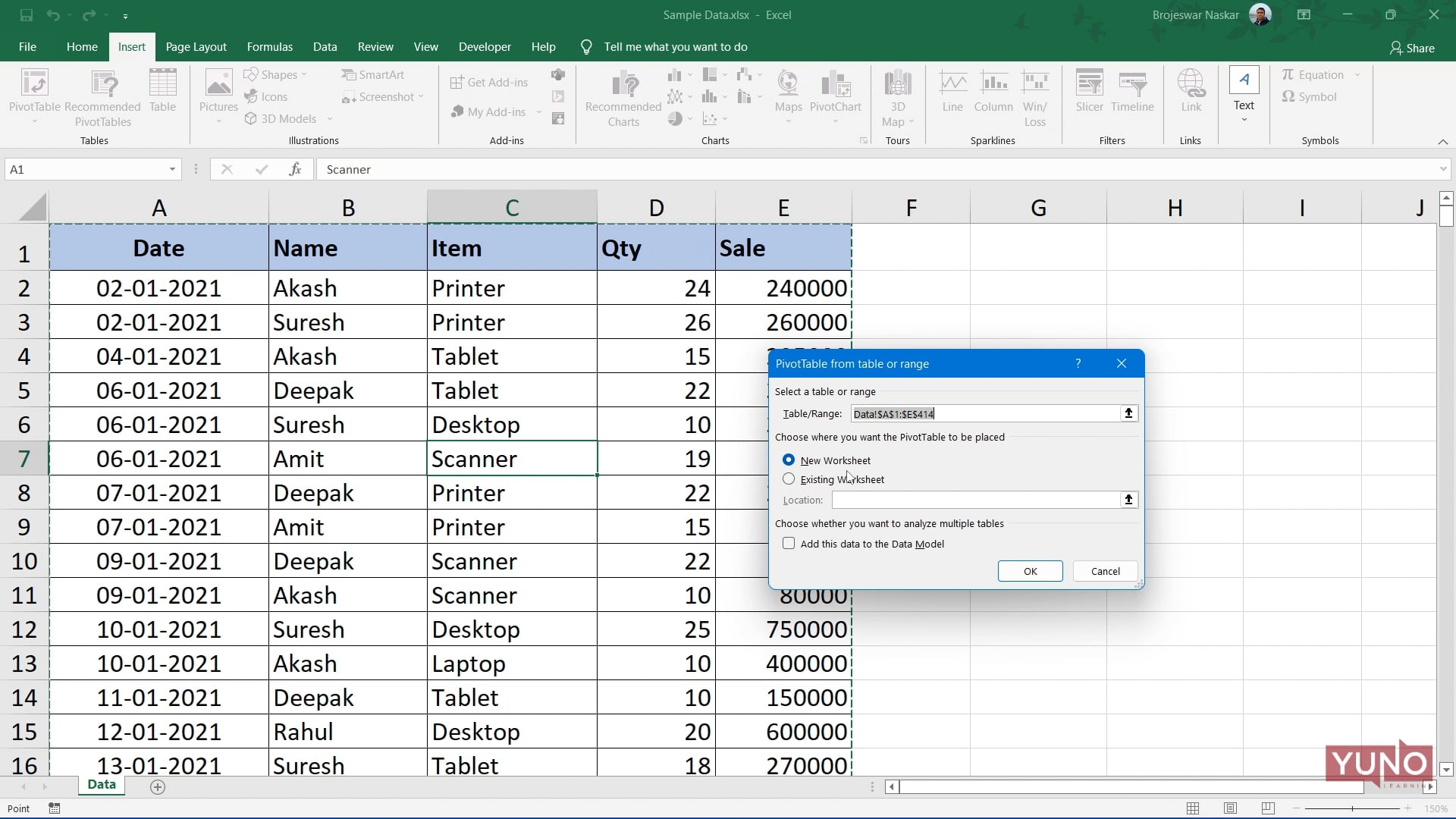
In this video tutorial, we are going to make a Dashboard with the help of Pivot Table. This is part one of the three part tutorial on this topic.
In this video tutorial, we have tried to create serial numbers in Excel in multiple ways usi ng fuctions like IF, MOD, ROWS, MAX, LEN, and TRIM.
In this video tutorial we are going to discuss a few functions like ROWS, INT, and lots of complex formulas.
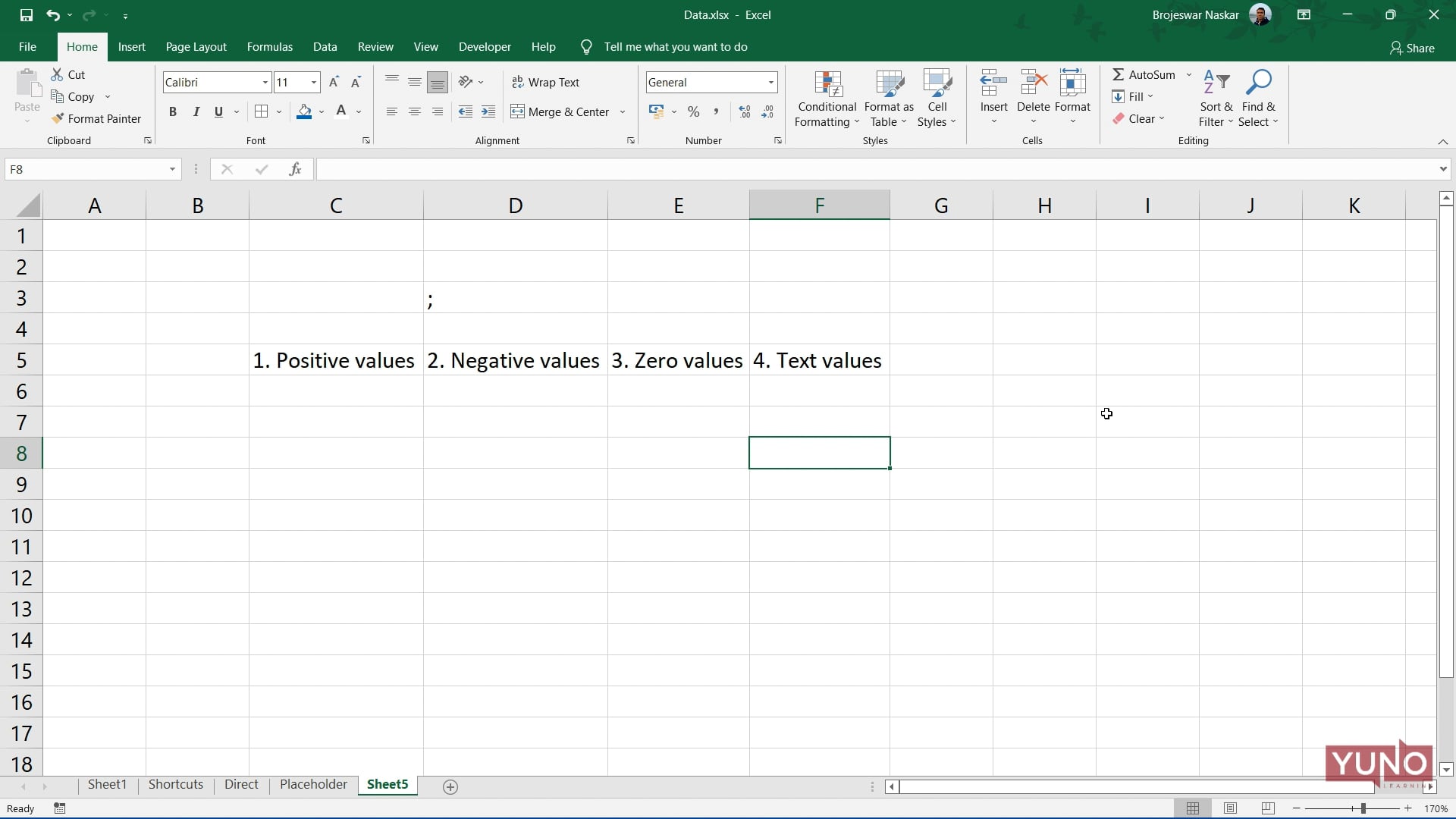
In this video tutorial, we will discuss Custom Number Formats, which can control the display of different numerical values.
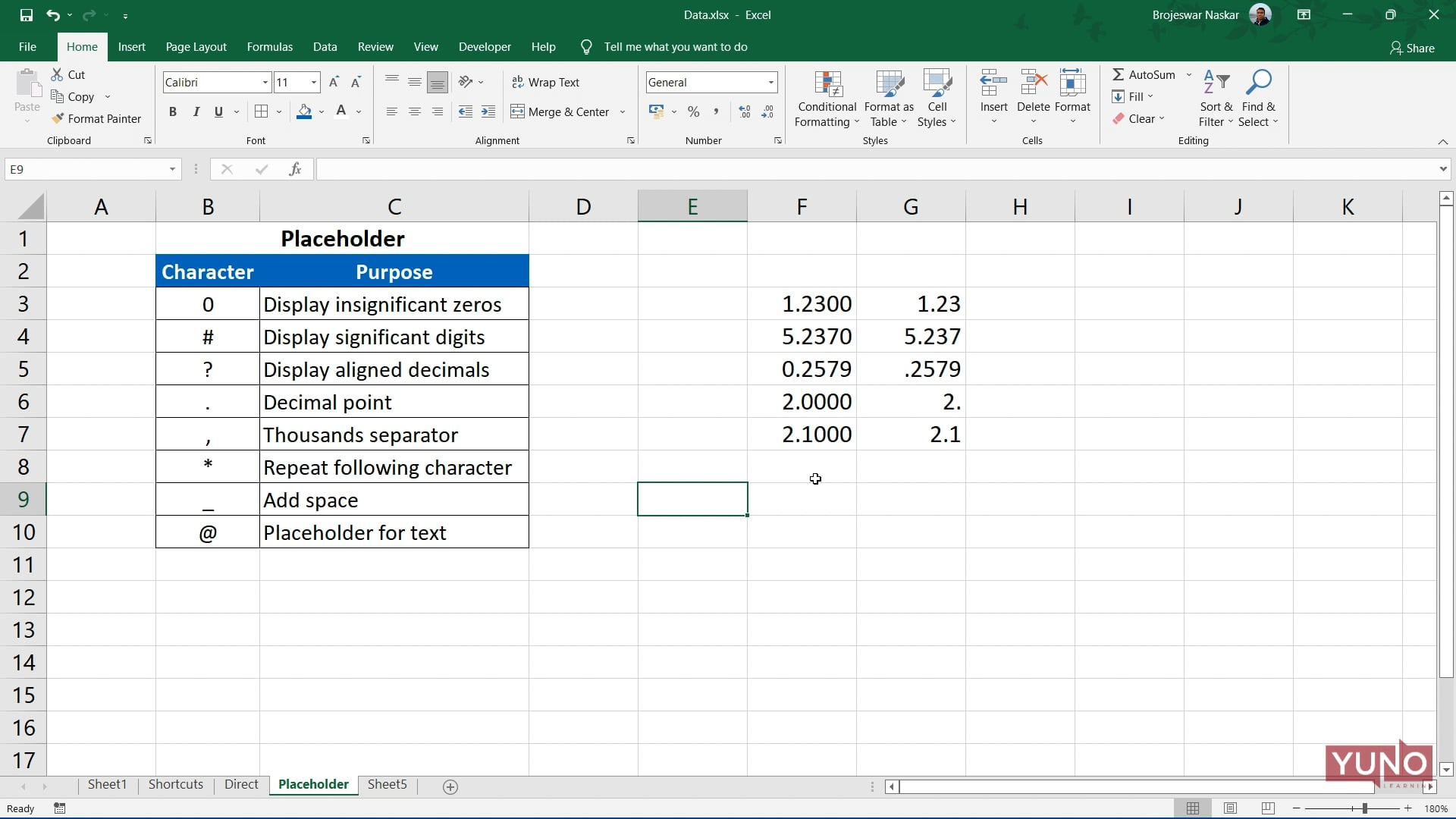
In this video tutorial, we will discuss Custom Number Formats, which can control the display of different numerical values.
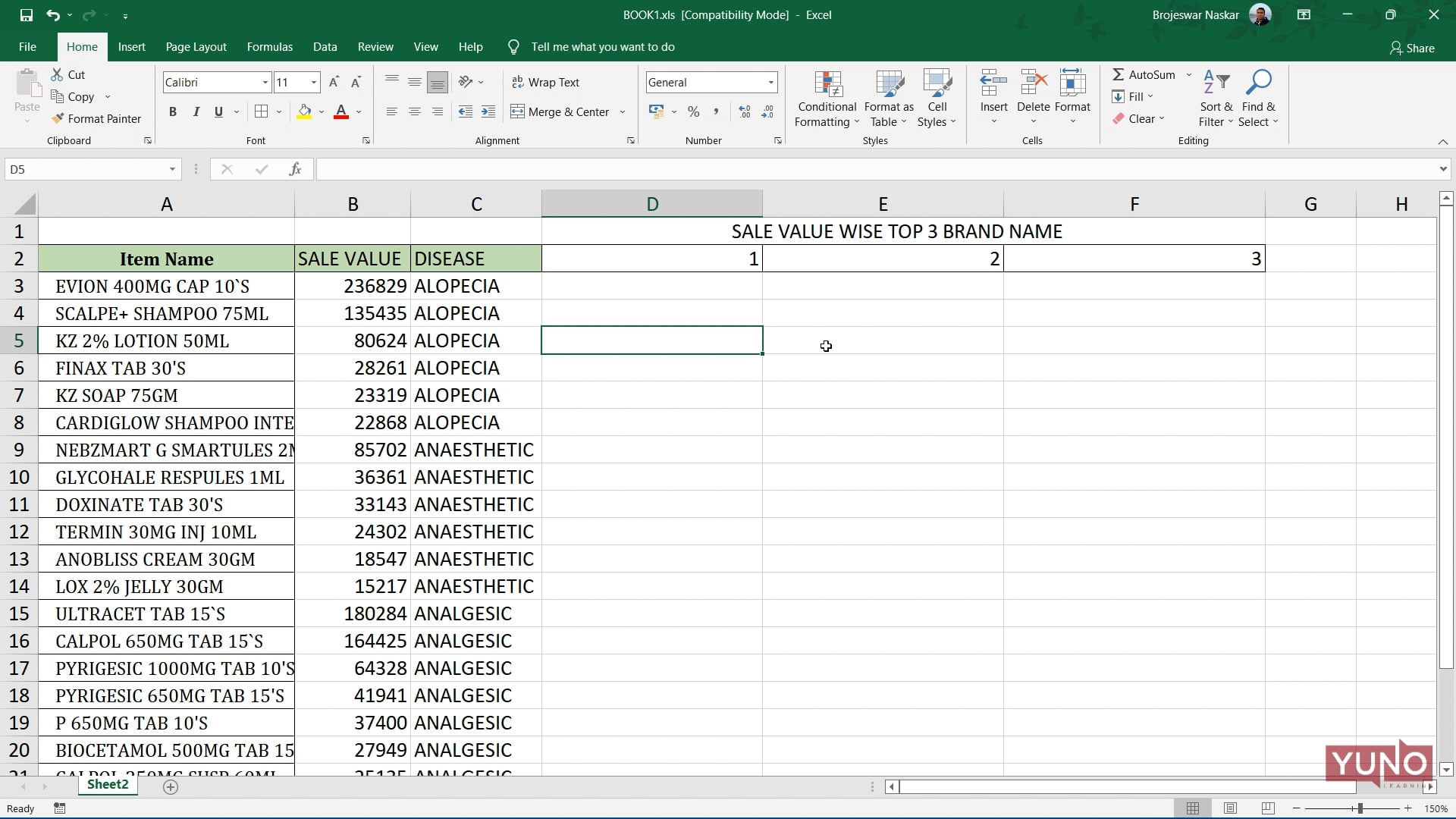
In this video tutorial we are going to use functions like IF, NOT, EXACT, INDEX to fulfil the requirement.
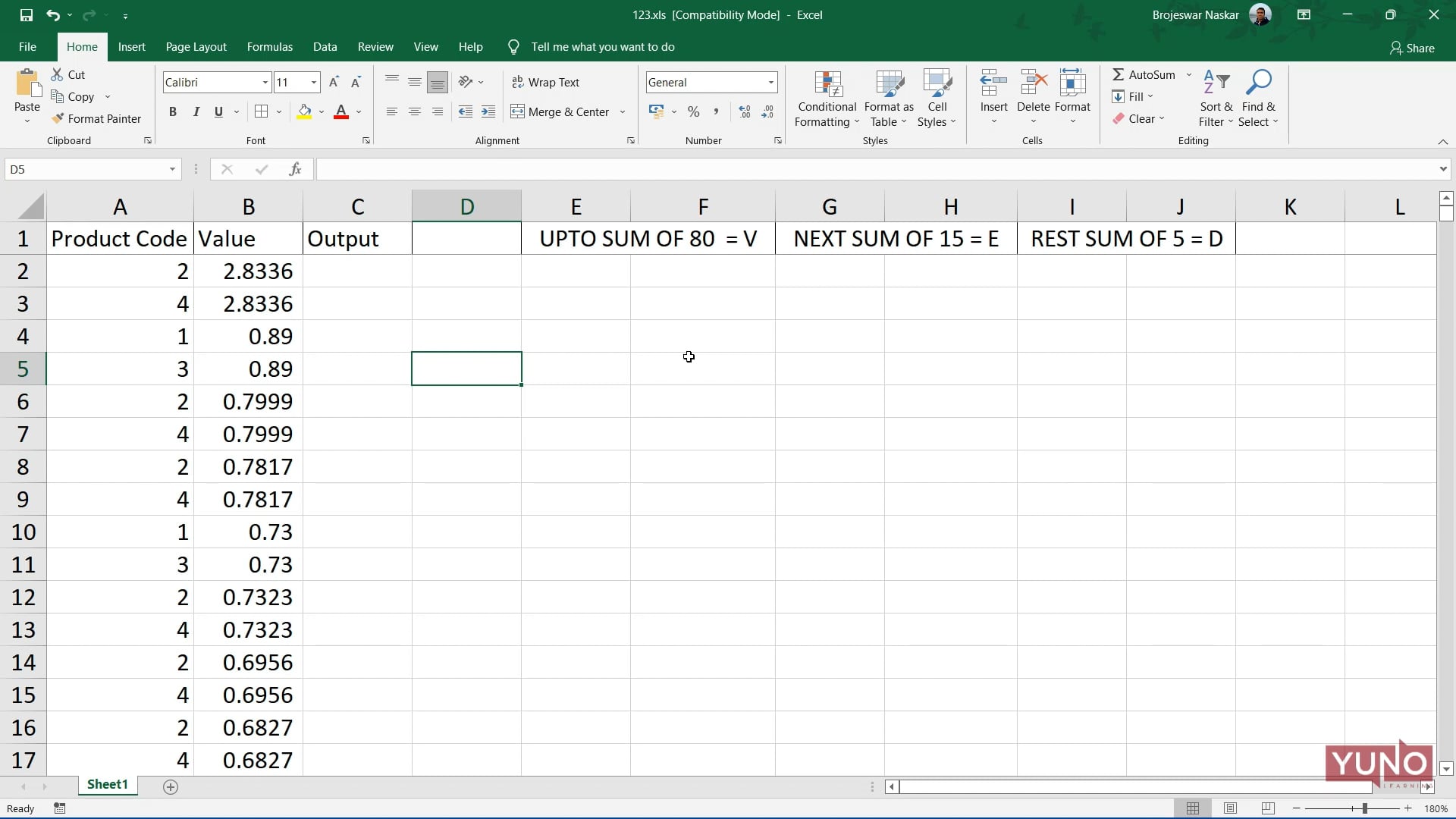
In this video tutorial we are going to use a few functions to fulfil our requirements to arrange data set titled "Product Code".
SWITCH This function in Excel compares one value against a list of values, and returns a result corresponding to the first match found. When no match is found, SWITCH can return an optional default value. You can use the SWITCH function when you want to perform a “self-contained” exact match lookup with several possible results. When no match is found, SWITCH can return an optional default value. The first argument in SWITCH is called “expression” and can be a hard-coded constant, a cell reference, or a formula that returns a specific value to match against. Matching values and corresponding results are entered […]
This video tutorial talks about the IFS Function in Excel which can run multiple tests and return a value corresponding to the first TRUE result.
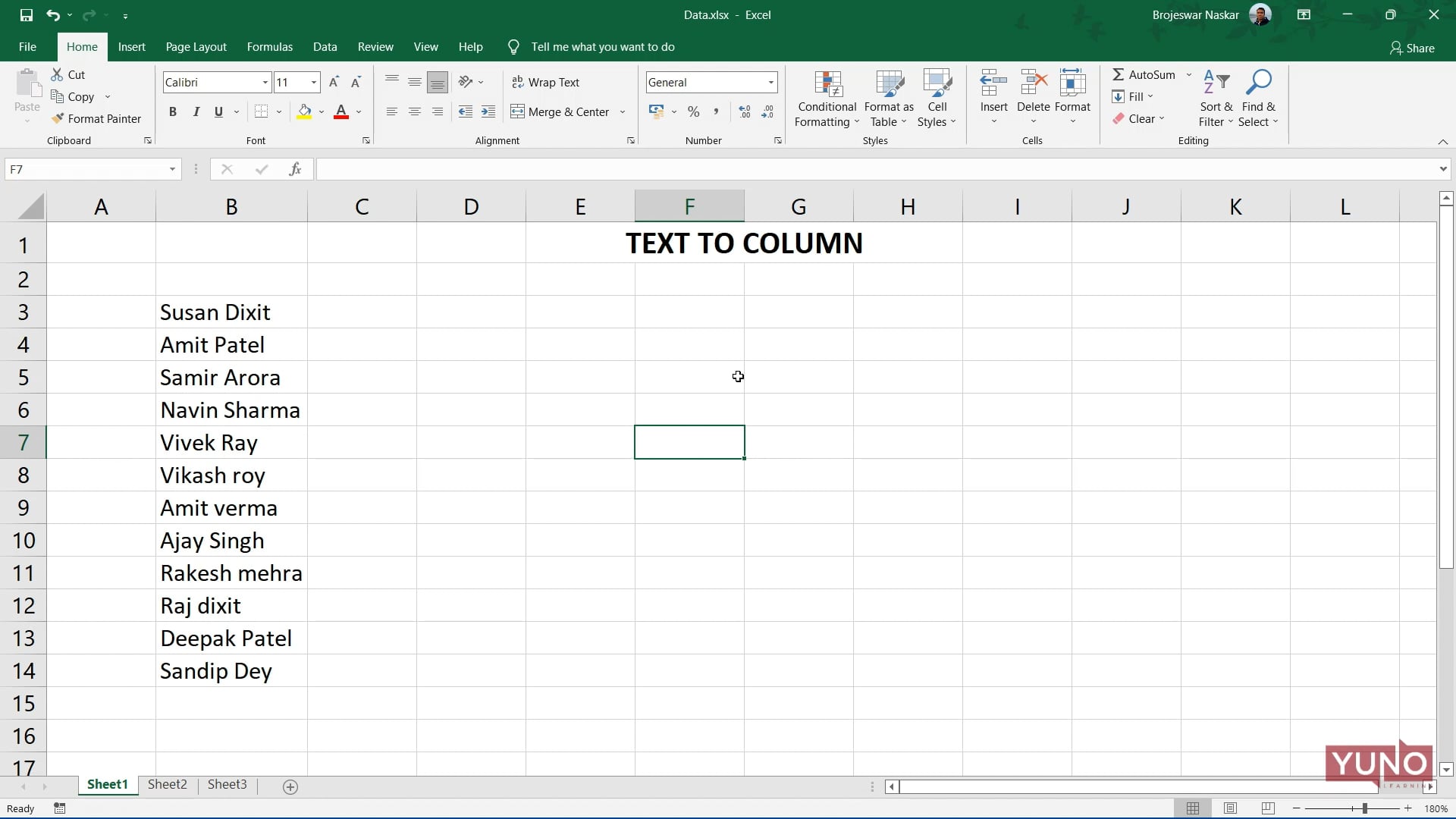
Text To Column option is used for separated text available in a cell or column to the columns by splitting them with different criteria.
This video talks about three of the most advanced and important features in Excel. They are called PRODUCT, POWER AND SQRT functions.
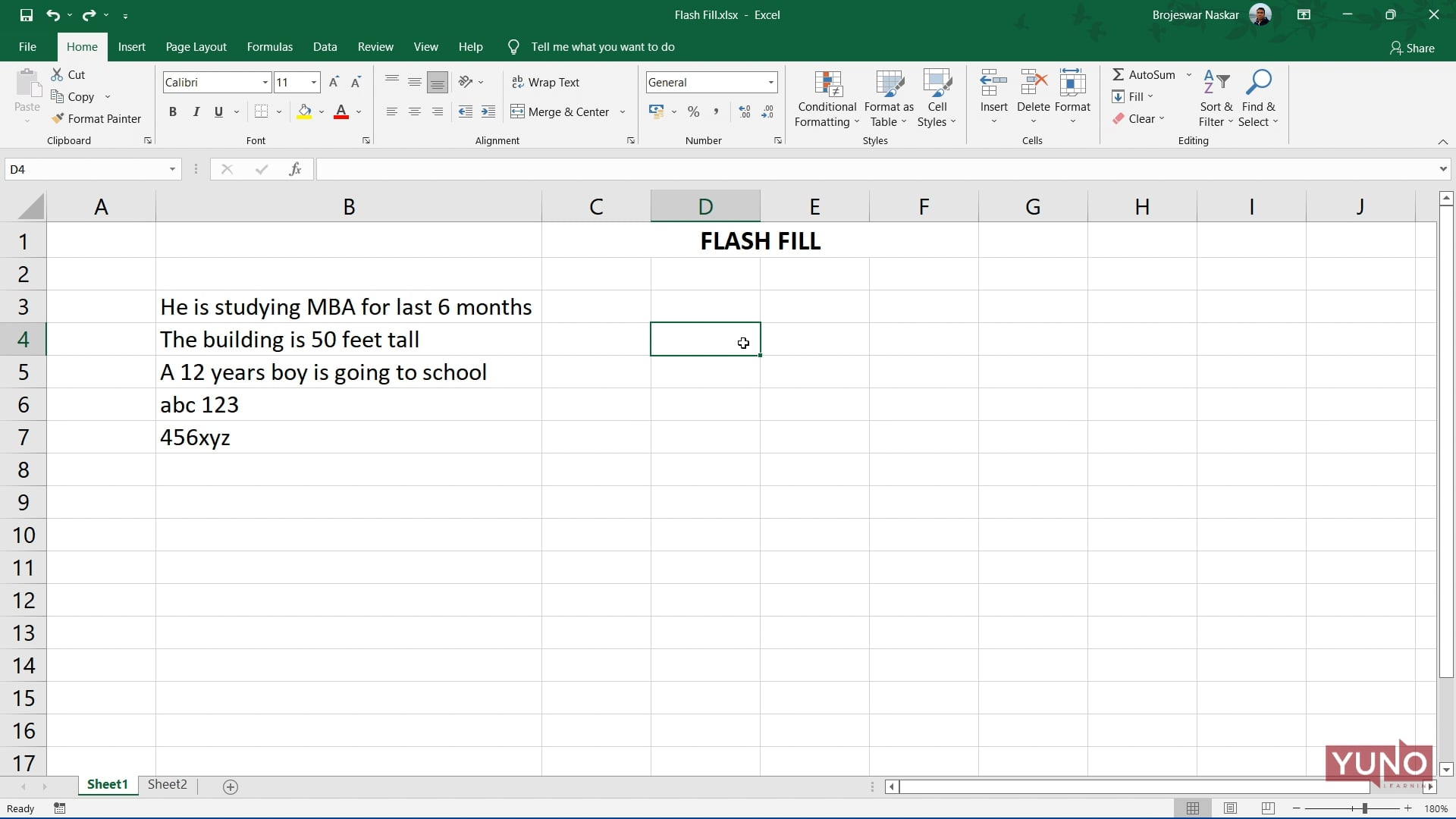
Flash Fill is a tool in excel that automatically fills your data when it senses a pattern nearby row or column.