How to View Resources
Yuno Learning offers various educational resources to aid and fasten your learning process.
Yuno Learning offers various educational resources to aid and fasten your learning process. These could be in the form of videos, articles, worksheets, and practice tests. Our content marketing team works with freelancers around the country to publish tens of new pieces of content each week. All content goes through various quality check processes to maintain the highest quality levels. You can access these resources on your laptop as well as in Yuno’s mobile app.
You also receive a daily notification of the most relevant content via email and WhatsApp.
To access this self-study material:
- Login to your Yuno Learner account using your registered Gmail id.
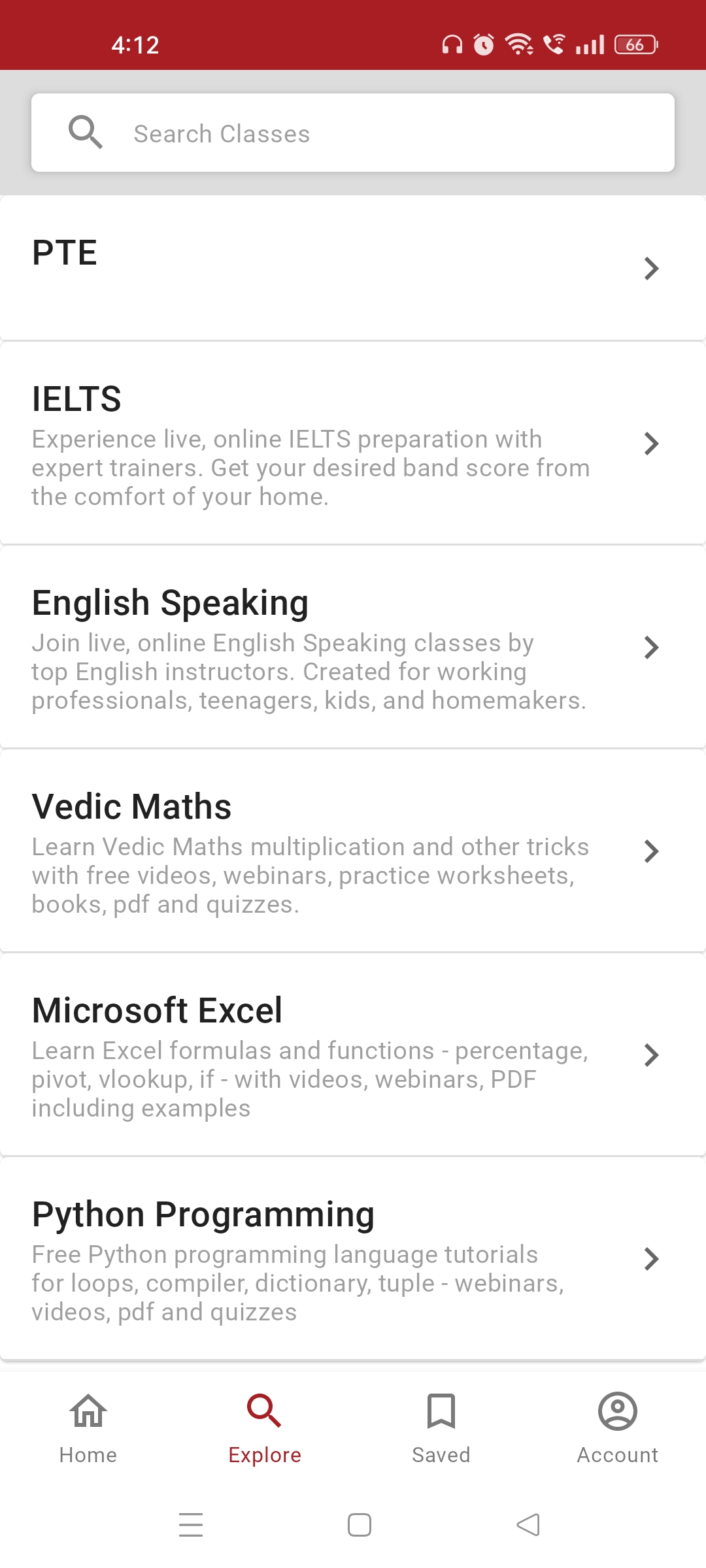
- Now, click on the Explore tab. From the dropdown menu select your desired course category such as IELTS.
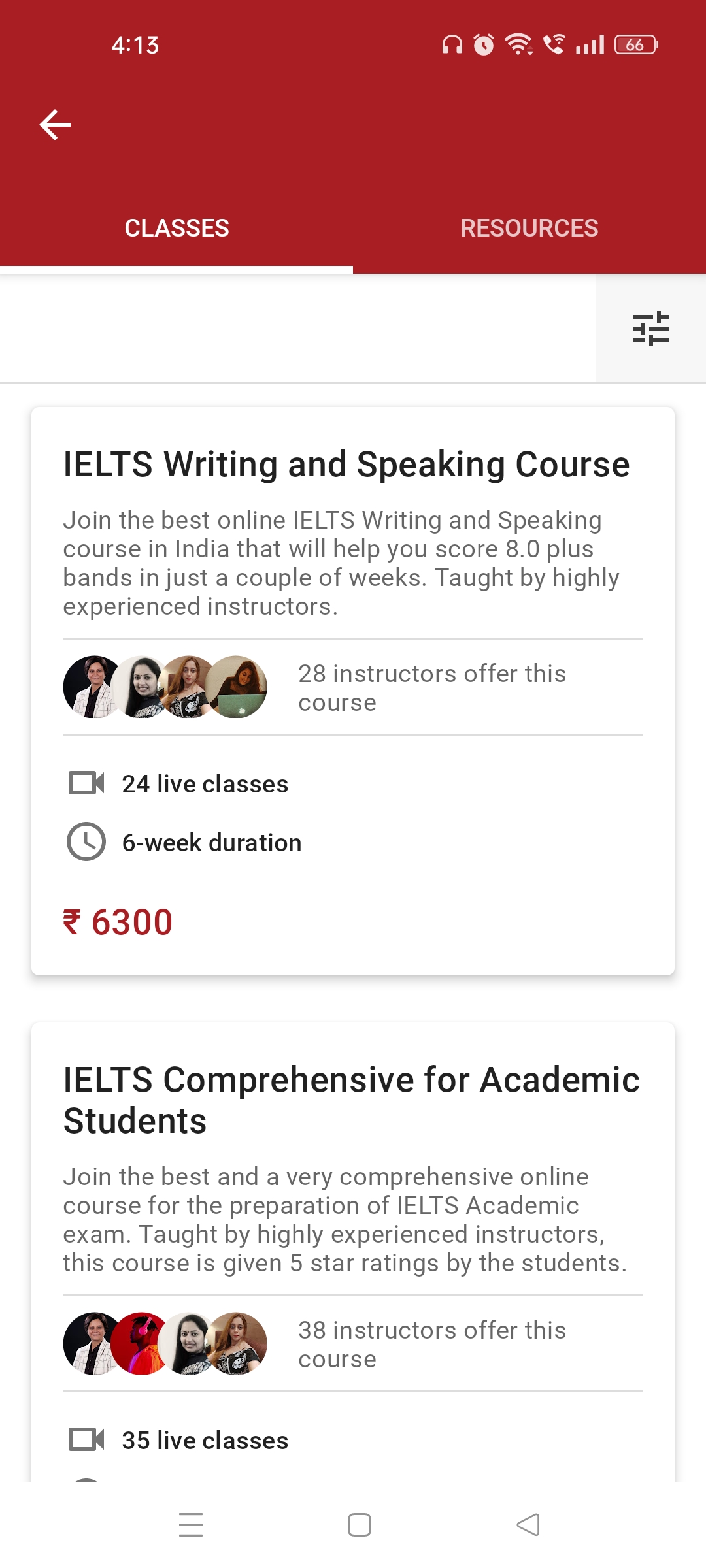
- A new page having two tabs: Classes and Resources will open up. (If you are using your laptop then by default you are on the Courses page. Click on the Resources tab to access various resources.)
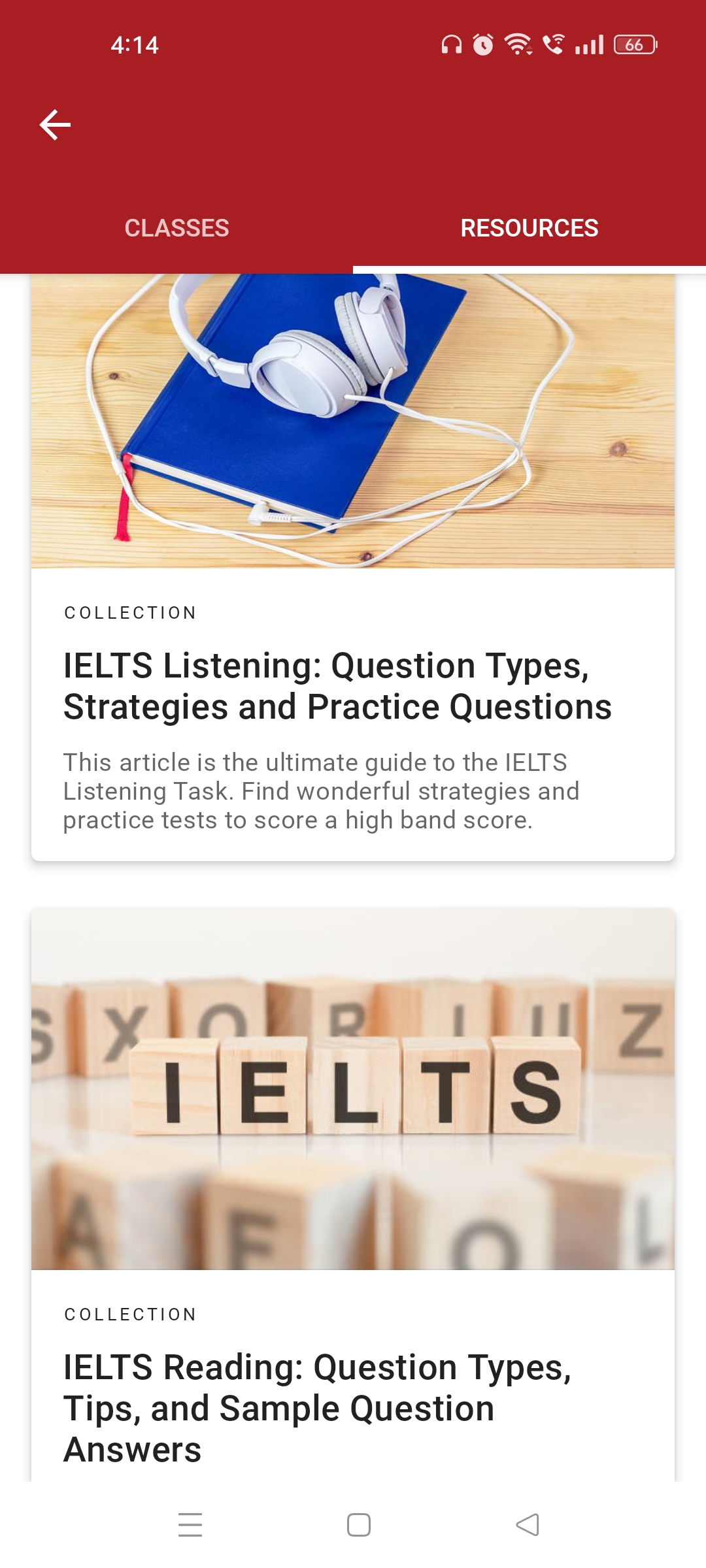
- Select the Resource Type you want to view by clicking on any one of the collection pages given in this section.