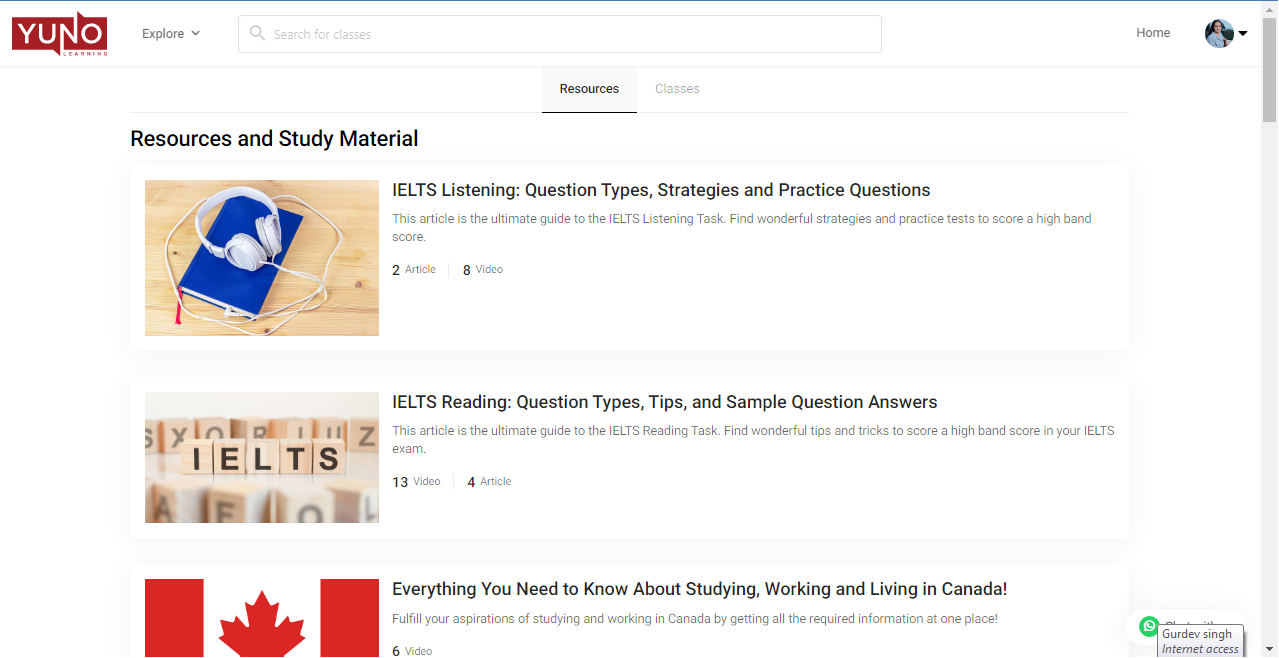
Getting Familiar with your Yuno Account
Using Yuno as a learner is simple and intuitive with minimalist design.
The leaner interface has only two tabs: Home and Explore.
Home
When you log in to your Yuno Account you are on the Home screen which further has two sub-menus, Upcoming and Ongoing and Past Classes and Recordings.
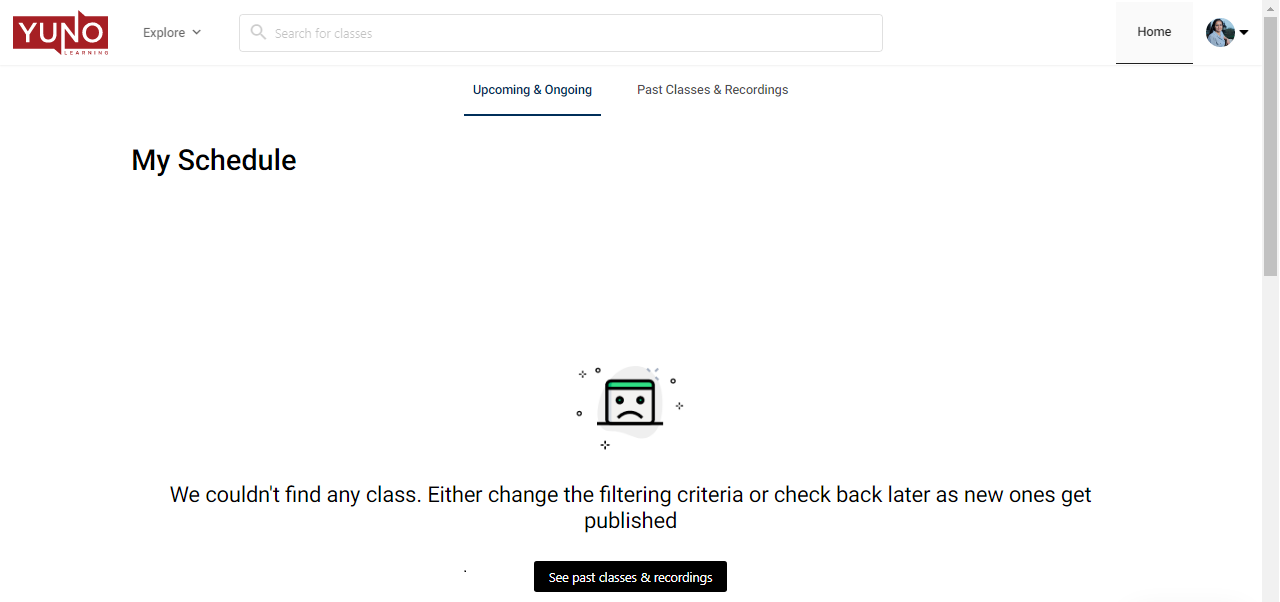
Upcoming and Ongoing displays the list of upcoming classes that have been scheduled by your instructors. You are reminded of your upcoming classes via email and WhatsApp notifications. In case your instructor reschedules or cancels a class, you’ll receive email and Whatsapp notifications of the same as well.
How to attend a class through a Yuno Learner account?
To attend a class, simply click on the “Launch Class” button and you’ll be directed to the Zoom platform where your class will take place.
Where to find recordings of past classes?
Past Classes and Recordings option displays the list of all classes you have already taken. So, you can find the recording of any past class under this tab.
Explore
Explore tab helps you to browse through our free learning resources and various courses we offer on Yuno.
The learning resources help you learn better, outside of the live classes by your instructors. All the resources are developed by a team of subject experts.
On clicking the Explore tab, all the course categories that Yuno offers show up. Now, each course category has its own resources which could be of the type Videos, eBooks, Quizzes, Notes, or Articles.
On selecting a category, you will be directed to all the resources and courses available for that particular type. By default you are on the courses page, click on the Resources tab to access the self-study material.